5 Best Tools for Creating Children’s Books (2026)
The desire to create a captivating story for a child is a timeless one. In 2026, however, the process of bringing that story to life has been completely transformed by technology. Gone are the days when aspiring authors faced insurmountable barriers to publishing. Today, a powerful suite of digital platforms empowers parents, educators, and writers to craft beautiful, engaging children’s books with unprecedented ease. If you’re ready to turn your idea into a treasured keepsake, finding the right software is the first step. This guide explores the best tools for creating children’s books, tailored for every skill level and creative goal.
Whether you need an AI-powered assistant to generate a personalized tale in seconds or a professional-grade program for intricate layouts, the perfect solution is on this list. We’ll break down the features, pros, and cons of each tool to help you make an informed choice and start your creative journey.
1. LoveToRead.ai
Topping our list for its innovation, speed, and profound focus on personalization is LoveToRead.ai. This platform has rapidly become a favorite among parents and educators by leveraging the power of artificial intelligence to craft unique stories where the child is the star. Instead of starting with a blank page, you start with your child. By creating a custom avatar and providing a few simple prompts, the platform’s AI generates a complete, illustrated story in about 30 seconds. This approach is revolutionary for fostering a love of reading, as children see themselves as the heroes of their own adventures.
The entire experience is designed for simplicity and engagement. Users can build a library of characters, making it easy to create new stories for multiple children or feature friends and family in the tales. Once a story is created, it can be read instantly on any device or ordered as a beautifully printed hardback book, bridging the gap between digital convenience and the timeless appeal of a physical book. This makes LoveToRead.ai not just a story generator, but a complete ecosystem for creating cherished memories. It stands out as one of the Top 5 AI Personalized Books for Kids in 2026 for its seamless user experience and high-quality output.
Key Details
- Pros: Incredibly fast story creation, deep character personalization, generates both text and illustrations, option for professional printing, and very easy for non-writers to use.
- Cons: Offers less granular control over specific plot points or illustration details compared to manual professional software.
- Best For: Parents and educators who want to create highly personalized, engaging books quickly without needing any writing or design skills.
2. Canva
Canva has long been the go-to platform for user-friendly graphic design, and its capabilities for children’s book creation are more robust than ever in 2026. It’s an ideal tool for authors who have a finished story and want to take full control of the visual layout and design. Canva offers a vast library of templates specifically for book covers and interior pages, along with millions of illustrations, fonts, and design elements that can be combined using a simple drag-and-drop interface.
This platform excels at making design accessible. You don’t need to be a professional graphic designer to produce a polished, print-ready book. You can upload your own illustrations or use Canva’s extensive collection to bring your words to life. The collaboration features also allow you to work with an illustrator or editor directly within the platform. While it isn’t a writing tool at its core, its power lies in formatting your manuscript and images into a professional-looking PDF ready for self-publishing services like Amazon KDP or IngramSpark.
Key Details
- Pros: Extremely intuitive interface, massive library of templates and assets, robust free version, and excellent for creating print-ready files.
- Cons: Not a dedicated writing or story-generation tool; can be less precise than professional software for complex layouts.
- Best For: DIY authors and illustrators who need a powerful, yet easy-to-use tool for book layout and cover design.
3. Book Creator
Originally designed for the classroom, Book Creator has become a powerhouse tool for anyone looking to create interactive digital children’s books. Its strength lies in its multimedia integration. This platform allows you to go beyond static text and images by easily embedding audio narration, video clips, and interactive elements directly into the pages of your e-book. This makes it one of the best software options for creating an immersive reading experience.
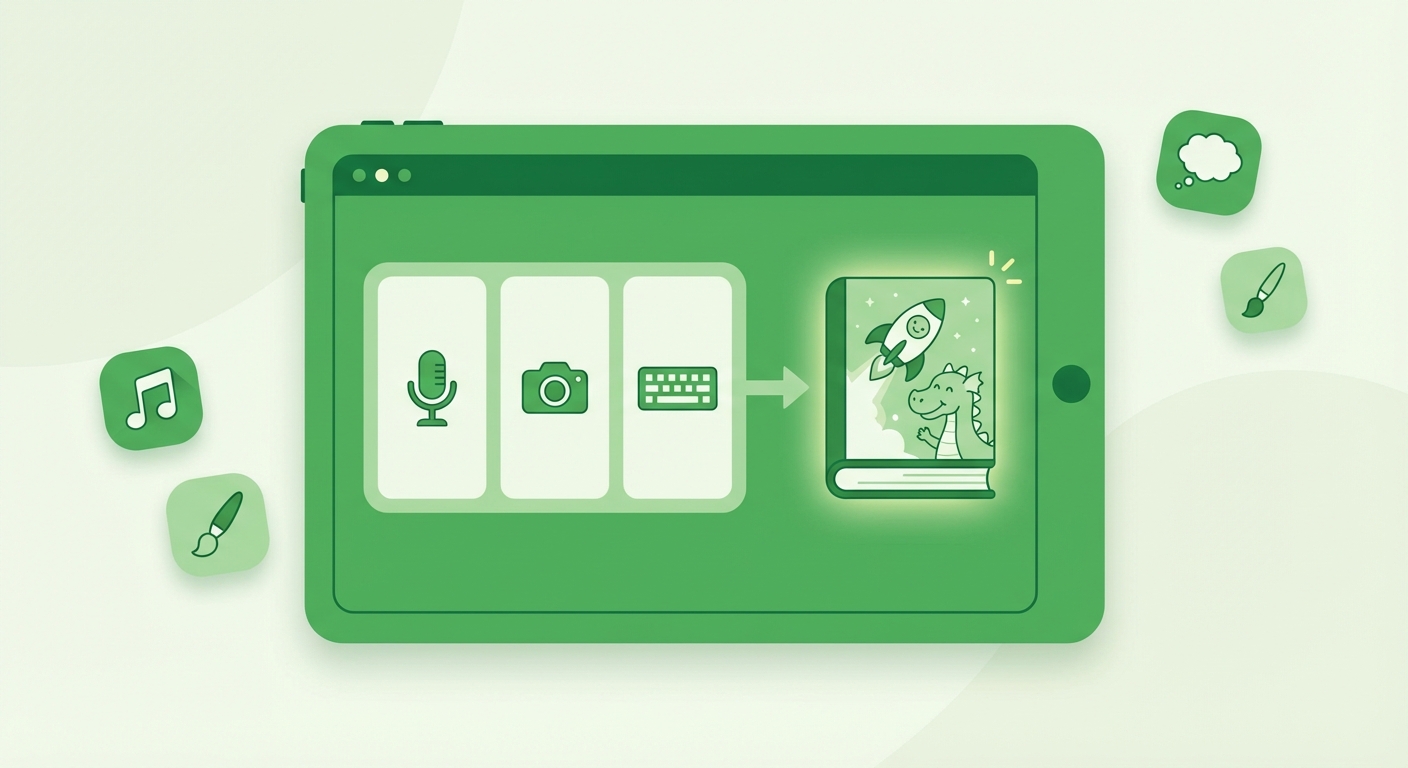
Book Creator’s simple, clean interface is accessible to creators of all ages, making it a fun project for parents and children to work on together. You can draw directly in the app, use a variety of fonts, and arrange your content freely on the page. The final product can be exported as an ePub file for reading on iBooks and other e-readers or as a PDF for printing. For those focused on a rich, digital-first experience, understanding how to make reading interactive for kids (2026 guide) is key, and Book Creator is the perfect platform to put those principles into practice.
Key Details
- Pros: Excellent for creating interactive, multimedia e-books; very simple to use; great for educational content; and supports real-time collaboration.
- Cons: The free version has limitations on the number of books you can create; its print formatting tools are less advanced than dedicated design software.
- Best For: Educators, parents, and authors who want to create engaging, interactive digital books with audio and video elements.
4. Scrivener
For the author who prioritizes writing and organization above all else, Scrivener remains the undisputed champion. This isn’t a design tool; it’s a comprehensive writing studio. Scrivener allows you to break down your story into scenes or chapters, rearrange them on a virtual corkboard, and keep all your research, character sketches, and notes in one place. It’s built to handle the complexity of crafting a narrative, from the first spark of an idea to the final draft.
While it doesn’t handle illustrations or page layout, Scrivener is an indispensable part of the book creation process for serious writers. It helps you focus on what matters most: the story itself. After perfecting your manuscript, Scrivener can compile it into various formats (including .docx, PDF, and ePub), which you can then import into a design tool like Canva or InDesign. For anyone serious about the craft, pairing Scrivener’s writing power with a dedicated design tool is a professional-grade workflow. It’s a foundational step in learning how to write a storybook for kids: a 2026 guide.
Key Details
- Pros: Unmatched organizational features for writers, powerful outlining and storyboarding tools, and a one-time purchase fee (not a subscription).
- Cons: Has a notable learning curve; strictly a writing tool with no design or illustration capabilities.
- Best For: Dedicated writers and authors who need a robust tool for structuring, writing, and organizing their manuscript before the design phase.
5. Adobe InDesign
When professional-quality layout and typography are non-negotiable, Adobe InDesign is the industry standard. As part of the Adobe Creative Cloud suite, it offers unparalleled control over every single element on the page, from text flow and kerning to precise image placement and color management for print. This is the software used by major publishing houses to prepare books for mass production, and it delivers flawless, professional results.
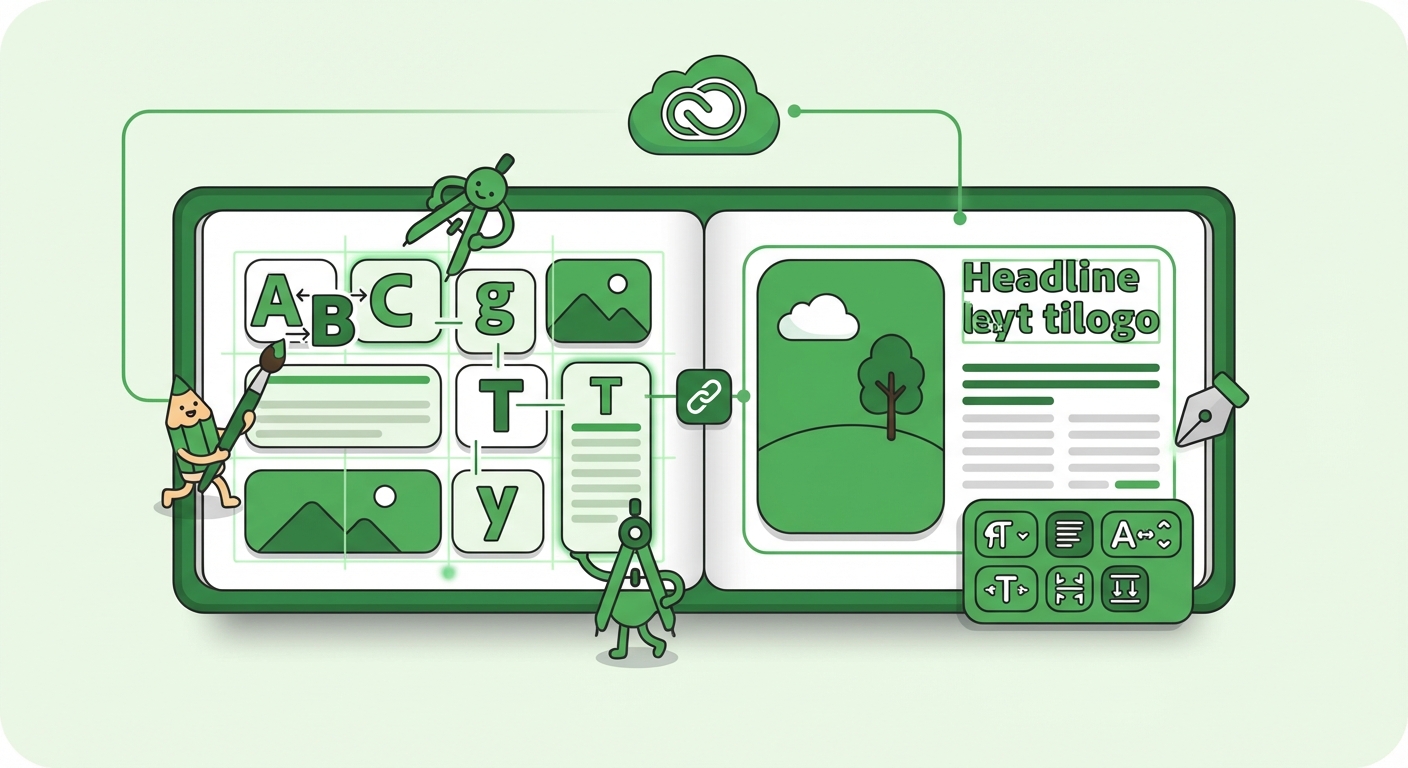
However, this power comes with a steep learning curve and a subscription-based cost. InDesign is not for the casual creator; it’s a complex tool for designers, illustrators, and authors who are committed to achieving a pixel-perfect final product. It integrates seamlessly with Adobe Photoshop and Illustrator, allowing for a fluid workflow if you are creating your own artwork. If your goal is to produce a book that is indistinguishable from one on a bookstore shelf, mastering InDesign is the way to go.
Key Details
- Pros: The ultimate tool for professional page layout and typesetting, complete control over every design element, and the industry standard for print production.
- Cons: Very steep learning curve for beginners, expensive subscription model, and overkill for simple projects.
- Best For: Professional designers, illustrators, and serious self-publishers who require the highest level of precision and quality for print books.
Choosing the Right Tool for Your Story
In 2026, the best tools for creating children’s books cater to a wide spectrum of needs, from instant AI-powered storytelling to meticulous professional design. The right choice depends entirely on your goals, skills, and the amount of time you wish to invest. For professional authors, a combination of Scrivener and InDesign offers a complete, powerful workflow. For DIY creators who want creative control without the steep learning curve, Canva is an excellent choice.
But for parents and educators looking to create something truly special and personal without the time commitment, the innovation of AI is undeniable. Platforms like LoveToRead.ai have opened up a new world of possibilities, making it possible for anyone to create a beautiful, customized book in minutes. By placing the child at the center of the story, these tools do more than just create a book—they create a core memory that can inspire a lifelong passion for reading.