Best AI Story Generator for Kids (2026): Parent Comparison of Safety, Personalization, Illustrations & Keepsake Books
AI story generators can be wonderful for families: a fresh bedtime adventure on demand, a reluctant reader suddenly motivated because they’re the hero, and a quick way to practice social-emotional skills through gentle stories about friendship, worries, or new routines. But in 2026, “AI story generator” is also an umbrella term for very different products—some are purpose-built for kids with guardrails, while others are general writing tools with minimal safety controls.
This parent guide compares how to evaluate tools like LoveToRead.ai, Happily.ai, Storywizard.ai, and other competitors using a repeatable framework. Instead of declaring a one-size-fits-all winner, you’ll learn how to score options based on what matters most in your home: safety & privacy, age-appropriate output, illustration consistency, personalization depth, educational value, and the ability to turn stories into keepsake books.

Parent mindset for 2026: treat AI stories like a “smart draft.” The best results come when you run a controlled prompt, review once out loud, then make quick edits—especially before sharing or printing.
Quick takeaway
If you remember only one thing: choose the tool whose guardrails you trust and whose editing + export workflow you’ll actually use. Great creativity is a bonus; predictable safety is non-negotiable.
Helpful background if you’re still getting oriented:
- What Are AI Storybooks? A 2026 Explainer (how these tools generally work)
- Your Guide to AI-Generated Kids Stories (practical family use cases)
2026 Parent Guide: Choosing the Best AI Story Generator for Kids
A comparison of LoveToRead.ai, Happily.ai, Storywizard.ai, and other options—focused on safety, age-appropriate storytelling, illustration quality, personalization, learning value, and keepsake books.
Parents tend to ask one of two questions first:
- “Will this generate anything scary or inappropriate?” (Safety and trust)
- “Will my kid actually love it?” (Personalization, illustrations, and tone)
Those are the right questions. The challenge is that many “reviews” focus on surface features—how many story templates a tool has, or whether it can generate pictures—without testing the deeper issues that show up after a week of real bedtime use: output drift, continuity errors, overly intense conflict, or awkward morals that sound like a lecture.
This guide gives you a structured way to evaluate tools in your own home—so your choice fits your child’s age, temperament, and your family’s privacy comfort level.
What Parents Should Evaluate in an AI Story Generator (2026 Checklist)
Use this checklist before you subscribe to anything. It’s designed to help you compare kid-focused story generators against general-purpose AI writing tools that may produce beautiful prose but lack child-specific guardrails.
The 2026 checklist (save this)
- Child safety and privacy: data collection, account controls, moderation, and whether prompts or child info are stored or used for training.
- Age-appropriate outputs: adjustable reading level, topic filters, avoidance of scary/violent themes, and consistent tone across regenerations.
- Illustration quality: style consistency, character continuity, diversity, and whether images match the text (plus print-ready resolution if making a book).
- Personalization depth: ability to include a child’s name, interests, family members, routines, locations, and values without oversharing personal data.
- Educational value: vocabulary scaffolding, comprehension questions, phonics/early reader modes, SEL (social-emotional learning), and curriculum-aligned themes.
- Keepsake options: export to PDF, print-on-demand, hardcover/softcover, gift-ready layouts, and parental review before printing.
- Cost and usability: free trial limits, subscription vs per-book pricing, number of stories/illustrations, and ease of editing text/images.
A parent-friendly scoring approach
When you test platforms, don’t just look for a “good” story. Look for a story you’d be comfortable reading aloud every night. That means the voice is consistent, the conflict is appropriate for your child, and you can reliably steer the tool away from themes you don’t want.
For a step-by-step personalization workflow (characters, settings, values, and prompts), pair this guide with How to Create Personalized Stories for Kids in 2026.
Safety & Trust: How to Assess Child-Safe Story Outputs
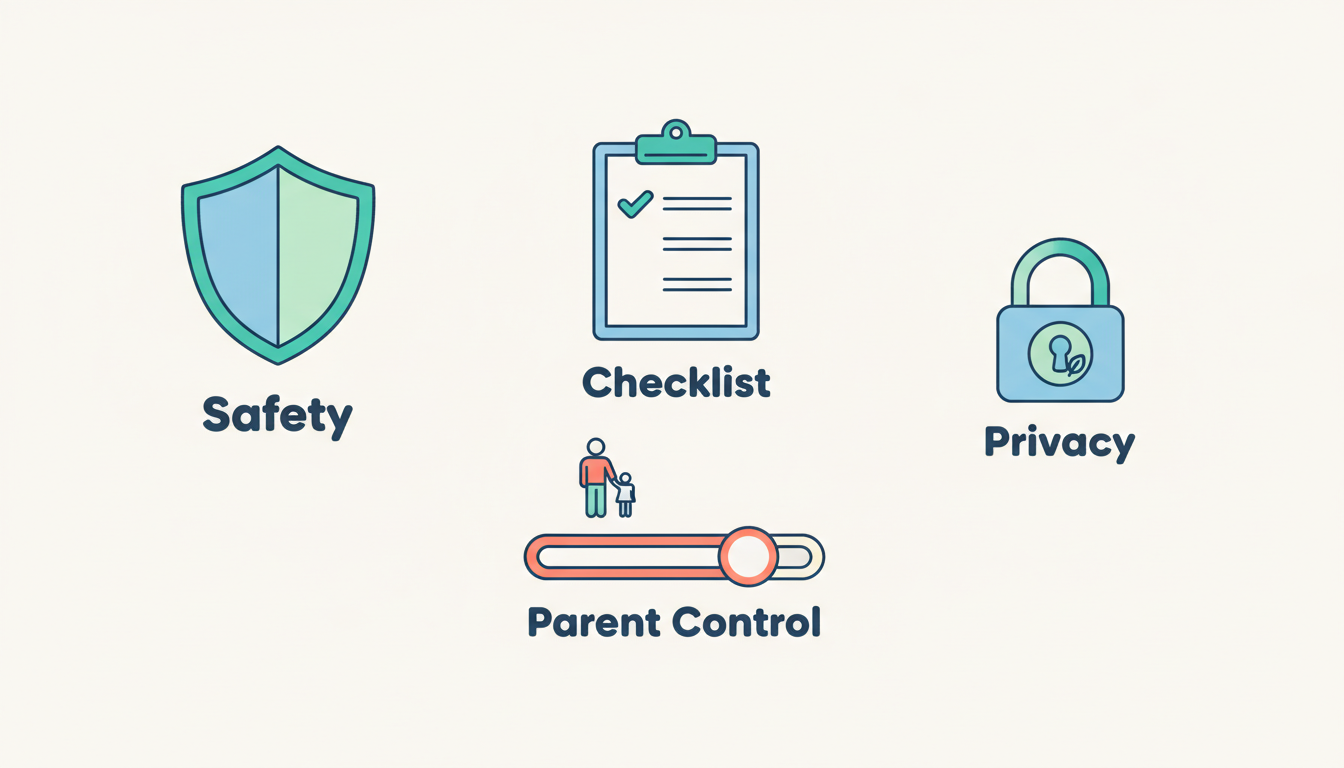
Safety isn’t just “no profanity.” For kids, safety includes emotional tone (no intense dread), predictable conflict, and outputs that match your boundaries. In 2026, the best child-focused story generators aim to keep stories within a safe narrative lane—even when your child asks for something that could spiral into scary content.
1) Look for built-in guardrails (not just a disclaimer)
Marketing pages often say “kid-friendly,” but what you want is evidence of systems that shape outputs. Strong guardrails often include:
- Kid-safe content policies with clearly blocked categories
- Profanity, violence, and sexual-content filtering
- Filters for “scary,” “intense,” or “dark” themes (especially for ages 3–7)
- Parent-only toggles for older-kid topics (e.g., mild suspense for 9–12)
A useful test: ask for a story that could become scary (“a mysterious noise in the basement”) and see whether the tool gently redirects into a safe tone.
2) Prioritize parental controls you can actually use
Controls matter only if they’re accessible during the moments you need them. Look for:
- Profiles per child with age bands (not just “kids mode”)
- Review/approval workflows before saving or sharing stories
- Personalization fields you can lock (for example: preventing full names, addresses, schools)
Even if a tool allows detailed personalization, you should be able to keep your child’s identity vague while still making stories feel personal.
3) Check privacy practices with a parent lens (not a lawyer lens)
Without getting lost in legal language, focus on practical questions:
- What data is required to start (email only vs child details)?
- Are prompts stored—and for how long?
- Is data used to improve models or train systems?
- Is it easy to delete an account and remove stored content?
In general, the less identifying information you input, the lower your risk. Even with strong policies, practice privacy-aware personalization (more on that below).
4) Test for consistency (the hidden safety issue)
Many parents are surprised that the “unsafe” moment isn’t explicit content—it’s tone drift. You request “gentle bedtime,” but a regeneration introduces a menacing character or a dramatic threat.
Run the same prompt 3–5 times. If one out of five outputs feels unsettling for your child, that’s a sign you’ll need heavier parent review or stronger guardrails.
Practical rule: if you wouldn’t read it aloud without scanning first, assume you’ll be scanning every time—and choose a tool whose editing workflow makes that easy.
5) Red flags worth taking seriously
- Open-ended chat modes with minimal guardrails (especially if kids can use it solo)
- Unclear data usage or vague privacy language
- Public galleries where stories can be shared by default
- Limited reporting tools when something slips through
Safety baseline you can aim for
For most families, the “safe enough” bar is: parent-controlled profiles, age-banded outputs, predictable tone, and a fast edit/regenerate option for the occasional awkward line.
Head-to-Head Comparison Framework (LoveToRead.ai vs Happily.ai vs Storywizard.ai vs Others)
If you want an honest comparison, you need a repeatable test. Otherwise, you’ll accidentally compare “Tool A on an easy prompt” to “Tool B on a tricky prompt”—and your results won’t mean much.
Step 1: Use the same test prompt across tools
Pick one child profile and keep it consistent for a first round (you can repeat later for siblings). Here’s a strong baseline prompt you can adapt:
Parent test prompt (copy and paste)
Audience: 6-year-old • Length: 600–900 words • Tone: gentle bedtime • Theme: cozy adventure • Constraints: no scary elements, no violence, no mean teasing • Characters: child + one friendly animal sidekick • Structure: clear beginning/middle/end • Illustrations: request 6–10 images and keep character appearance consistent.
Why this works: it’s specific enough to reveal guardrails and style consistency, but broad enough that different tools can still be creative.
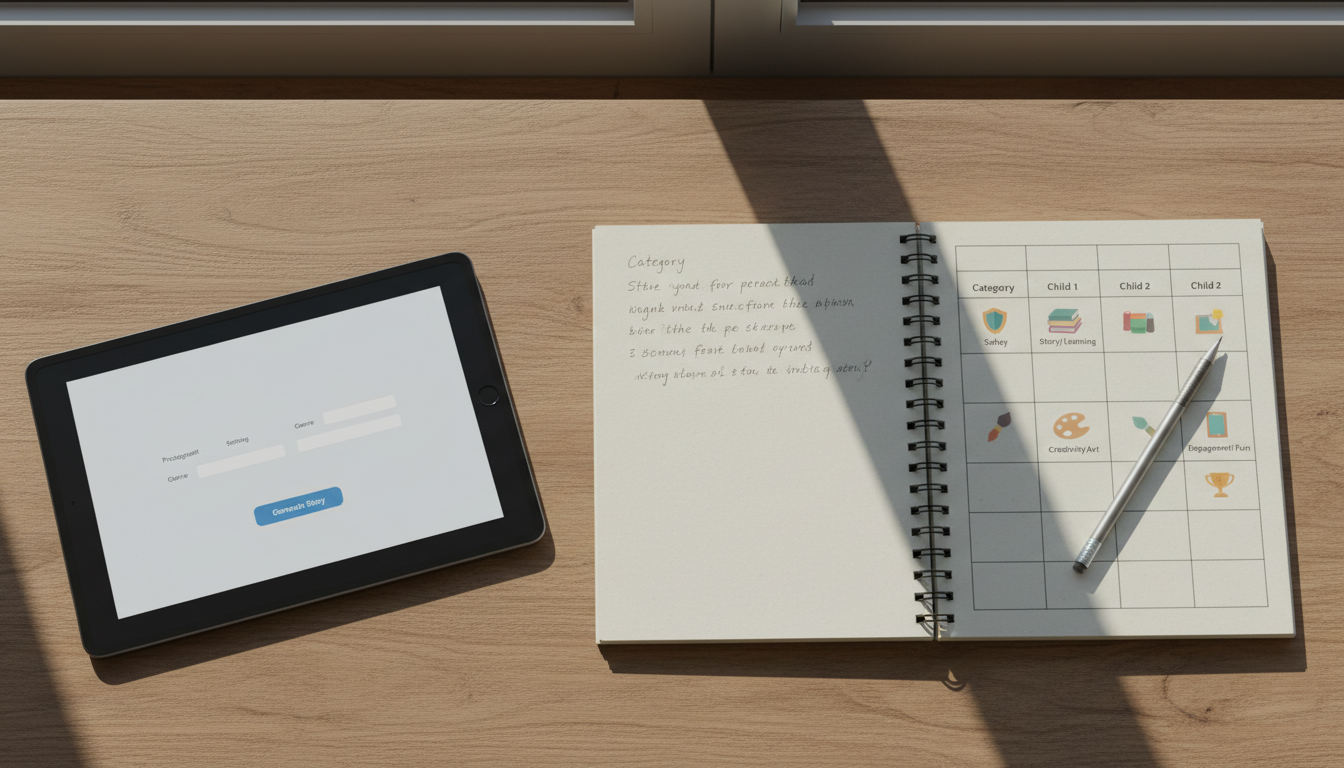
Step 2: Score on the dimensions that actually affect family use
Use a simple 1–5 rating per category. Your categories:
- Safety/guardrails (filters, policies, tone stability)
- Age appropriateness & readability controls (reading level, complexity, word choice)
- Illustration quality & consistency (character continuity, style coherence)
- Personalization depth (interests, routines, values)
- Educational features (early reader modes, questions, vocabulary support)
- Editing workflow (revise paragraph, regenerate a page, reorder scenes)
- Export/print keepsake options (PDF, print-on-demand, cover design)
- Price/value (cost per story/book, limits, what’s included)
| Category | What to test | What “great” looks like | Score (1–5) |
|---|---|---|---|
| Safety/guardrails | Run the same bedtime prompt 3–5 times; try one “edge” prompt that could turn scary | Consistent gentle tone; clear controls; easy parent review | — |
| Age & readability | Change age band; check sentence length and vocabulary | Adjustable reading level; stable voice; no sudden jumps in complexity | — |
| Illustrations | Character continuity across 6–10 images; text-image alignment | Same character features each page; images match plot points | — |
| Personalization | Include interests + a routine; test values without preachiness | Feels specific and warm; avoids oversharing; customizable tone | — |
| Educational features | Look for questions, vocabulary highlights, early reader modes | Optional supports that you can toggle on/off | — |
| Editing workflow | Fix one awkward line; regenerate one page; reorder a scene | Fast edits; granular regenerate; version history is a plus | — |
| Keepsake exports | Export PDF; check margins/bleed; evaluate print-ready layout | Print-quality files; cover tools; consistent page templates | — |
| Price/value | Calculate cost per finished storybook you’d keep | Transparent pricing; fair limits; reprint options | — |
Step 3: Document what matters in real life (not just “wow”)
As you test LoveToRead.ai, Happily.ai, Storywizard.ai, and other options, jot down:
- Time to generate a full story + images
- Retries needed before you’d read it aloud
- Continuity stability (names, traits, settings, illustrations)
- On-topic adherence (does it wander?)
- Edit friction (can you fix one paragraph without rewriting everything?)
Step 4: Include a parent review step every time
Even with strong safety measures, a quick review is wise—especially before you print or share with grandparents. A fast workflow looks like:
- Read aloud once (or skim if you’re short on time)
- Scan for sensitive content or odd phrases
- Verify names, pronouns, and traits are correct
- Check that illustrations match the narrative
Compare beyond “the big three”
Include at least one tool from each bucket: general-purpose AI writers (often strong prose, weaker kid guardrails), kid-focused storybook apps (better guardrails, mixed creativity), and print-first storybook platforms (best keepsakes, sometimes less flexible generation).
If you want a broader shortlist to start your testing, see Top 5 AI Storytelling Platforms for Kids in 2026.
Illustration Quality: What ‘Good’ Looks Like for Kids (and for Printing)
Illustrations are often the deciding factor for kids. Parents might forgive a slightly clunky sentence, but children will immediately notice if the “same” character looks different on every page—or if the picture doesn’t match what you’re reading aloud.
Consistency is the real standard (not just “pretty images”)
When evaluating illustration systems, aim for continuity:
- Recurring characters keep the same hair, outfit, facial features, and approximate age
- Settings stay coherent (bedroom stays bedroom; forest stays forest)
- Props and pets remain consistent (the “blue backpack” doesn’t become red)
In practice, continuity is the difference between a fun one-off and a storybook that feels “real” enough to become a favorite.
Kid-friendly aesthetics: warm, clear, and not uncanny
Younger children often prefer illustrations that are expressive and unambiguous. Look for:
- Warm palettes and clear silhouettes (readable at a glance)
- Faces that communicate emotion clearly (joy, curiosity, calm)
- Styles that avoid uncanny realism—especially for ages 3–7
Even if your family likes more realistic art, ambiguity can be interpreted as “scary” by sensitive kids—especially at bedtime.
Text-image alignment: do the pictures match the plot?
Alignment is a functional feature, not a cosmetic one. Misaligned images can confuse early readers who rely on pictures to decode meaning.
Test alignment by including specific, checkable details in your prompt (e.g., “a red kite,” “two friends,” “a yellow raincoat”) and see whether images reliably reflect them.
Print readiness: don’t assume “download” equals “printable”
If you want to create a keepsake, you’ll care about:
- High-resolution exports (crisp images, not blurry or pixelated)
- Margins, bleed, and trim-size support (so nothing important is cut off)
- Color that survives printing (some digital colors wash out on paper)
For a deeper dive on illustration options and tradeoffs in 2026, see Custom Illustrations for Kids Books: 5 Top Options (2026) and Using Images for Story Telling in Education.
Accessibility: an underrated differentiator
Some tools now include typography and readability settings. If your child benefits from accessible formatting, look for options like:
- High-contrast modes
- Readable type sizing and spacing
- Dyslexia-friendly layout choices (when available)
A practical illustration benchmark
For a 10-page story with 8 illustrations, aim for at least 7/8 images that clearly match the scene and keep characters consistent. If you’re getting 3–4 “close enough” images, printing will feel disappointing.
Personalization & Educational Value: Beyond ‘Name in the Story’
Personalization works best when it reflects a child’s real inner world—interests, worries, routines—not just a name swap. In 2026, many tools can do basic personalization; the best ones help you do it thoughtfully and consistently.
Deep personalization examples that feel magical (and safe)
Try adding one detail from each category:
- Interest: dinosaurs, ballet, soccer, space, cooking
- Routine: first day of school, dentist visit, bedtime fears, sharing toys
- Support character: a sibling, a grandparent, a favorite stuffed animal
- Value: kindness, bravery, patience, telling the truth
That combination typically yields a story that feels “about my child” without requiring sensitive identifying details.
If you’re building stories for multiple kids and want consistent character details, a character library helps. See How to Create a Character Library: A 2026 Guide.
Age-banded learning: what “educational” should mean at each stage
Educational value isn’t one feature—it’s fit. Here are practical targets:
Preschool (3–5)
- Short sentences and repetition
- Emotion naming (“worried,” “excited,” “proud”)
- Gentle cause-and-effect (“When we… then…”)
Early readers (5–7)
- Sight words and predictable patterns
- Clear plot and simple dialogue
- Pictures that strongly match the text
Independent readers (7–10)
- Richer vocabulary with context clues
- Chapter-like structure and suspense that stays “cozy”
- Optional reflection prompts
For broader literacy strategies that pair well with personalized stories, see How to Enhance Children's Literacy: A 2026 Guide.
Built-in learning supports: look for “optional,” not “intrusive”
Some tools include comprehension questions, discussion prompts, or vocabulary highlights. These can be fantastic—if you can toggle them on and off.
What to look for:
- Questions that match the story (not generic quizzes)
- Prompts that support conversation (“What would you do?”)
- SEL moments that feel natural, not preachy
Parent editing is crucial (and should be fast)
No matter how good a generator is, you’ll occasionally see:
- A sentence that doesn’t sound like how your family talks
- An oddly intense moral (“Always obey without question…”) that you want to soften
- A continuity slip (eye color changes, pet name changes)
The best platforms let you edit directly, regenerate only the part you dislike, and keep everything else intact. If you’re doing lots of personalization, you’ll also appreciate being able to save reusable details.
Privacy-aware personalization: make it personal without making it identifiable
A helpful compromise is using “broad but true” details:
- Use a nickname instead of a full legal name
- Use “our town” instead of a specific city
- Use “a cozy blue house” instead of an address
- Use “a helpful teacher” instead of a teacher’s name
In other words: the story can feel intimate without including information you wouldn’t want stored or shared.
If you’re ever unsure, follow this rule: don’t enter anything you wouldn’t print on the back cover of a book.
For additional personalization ideas across formats, you might also like How to Personalize a Child's Reading Experience (2026) and 5 Best Personalized Reading Experiences for Kids (2026).
Keepsake Books: Turning AI Stories into Print-Quality Gifts
For many families, the “best” AI story generator is the one that turns a great night into a lasting artifact: a birthday gift, a bedtime tradition series, or a book your child keeps on their shelf for years. Keepsakes are where the differences between tools become obvious.
Three keepsake pathways to compare
- Downloadable PDF: best if you want control and may print locally.
- Print-on-demand ordering: most convenient; quality varies by platform.
- Integration with photo books / home printing: flexible, but more setup and formatting effort.
What to look for in a keepsake feature (the non-obvious stuff)
Keepsake workflows can be delightful—or frustrating. Evaluate:
- Templates: consistent page layouts that make the book feel professional
- Cover design: title, subtitle, author name (often your child), and optional spine text
- Dedication page: quick “To…” message for gifting
- Illustration sizing: images should be framed consistently across pages
- Reordering: can you move pages without breaking the layout?
Quality checkpoints before you print (a parent proofing routine)
Before you hit “order,” run a quick final pass:
- Names/pronouns: correct and consistent
- Continuity: characters and pets don’t morph between pages
- Resolution: illustrations remain crisp when zoomed
- Margins/bleed: no text near the edge; no heads/hands cut off
- Read-aloud rhythm: one last skim to catch clunky phrasing
Keepsake success indicator
If you can go from “generated story” to “print-ready proof” in under 15 minutes (including edits), you’re much more likely to actually create keepsake books instead of leaving stories in a digital folder.
Giftability: the details that matter when it’s for grandparents
- Hardcover availability and paper quality options
- Delivery timelines that fit birthdays and holidays
- Reordering the same book later (version control helps)
- Clean metadata: no watermarks, intrusive page numbers, or awkward footer text
Budget tips: avoid paying twice for the same joy
AI story tools vary widely in pricing models—some are subscription-first, others are per-book. To compare fairly, calculate the cost of a finished keepsake rather than the cost of “a story.” Ask:
- Do you pay again to reprint the same story?
- Are illustrations included or metered?
- Is there a bundle option for siblings or multiple books?
If you’re comparing a keepsake-first platform against a competitor, you may also find this helpful: LoveToRead vs Childbook: Which is Best in 2026?
Conclusion: How to Choose the Best AI Story Generator for Your Family in 2026
In 2026, the “best AI story generator for kids” isn’t a single product—it’s the one that matches your family’s safety bar, your child’s age and sensitivity, and your willingness to edit before reading or printing.
As you compare LoveToRead.ai, Happily.ai, Storywizard.ai, and other competitors, keep your evaluation grounded in outcomes:
- Safety & trust: consistent kid-safe tone and meaningful parental controls
- Age appropriateness: adjustable reading level and stable voice
- Illustrations: continuity and text-image alignment (especially for early readers)
- Personalization: deeper than a name swap, but privacy-aware
- Learning value: optional supports that help without lecturing
- Keepsakes: export and print workflows that make “storybook on the shelf” realistic
Once you’ve narrowed your shortlist, run the same test prompt across tools, score them, and choose the platform you’d feel comfortable using repeatedly—because the real win is not a single great story, but a reliable family ritual.
Ready to Compare AI Story Generators for Your Child?
Use the checklist and scoring framework above, run the same test prompt across tools, and choose the option that best fits your family’s safety, learning, and keepsake goals.
Next step suggestion: test two “easy” prompts (bedtime, friendship) and one “edge” prompt (mystery, competition) to see how each tool handles tone and guardrails.