Custom Illustrations for Kids Books: 5 Top Options (2026)
The visuals in a children’s book are just as important as the words on the page. They capture a child’s imagination, convey emotion, and bring the story’s world to life. For authors, parents, and educators in 2026, finding the right way to create high-quality, engaging visuals is a critical step. But with so many options available, from advanced AI to traditional artists, how do you choose? This guide explores the best ways to get custom illustrations for kids books, breaking down the top five solutions to help you find the perfect fit for your vision, timeline, and budget.
Whether you’re an aspiring author or a parent creating a special gift, this list will navigate you through the most effective methods for creating beautiful, personalized artwork for your next story.
Top 5 Ways to Get Custom Illustrations for Your Kids Book in 2026
Each method offers a unique set of benefits and challenges. We’ll examine everything from fully automated platforms that deliver illustrations in seconds to the bespoke process of working with a professional artist.
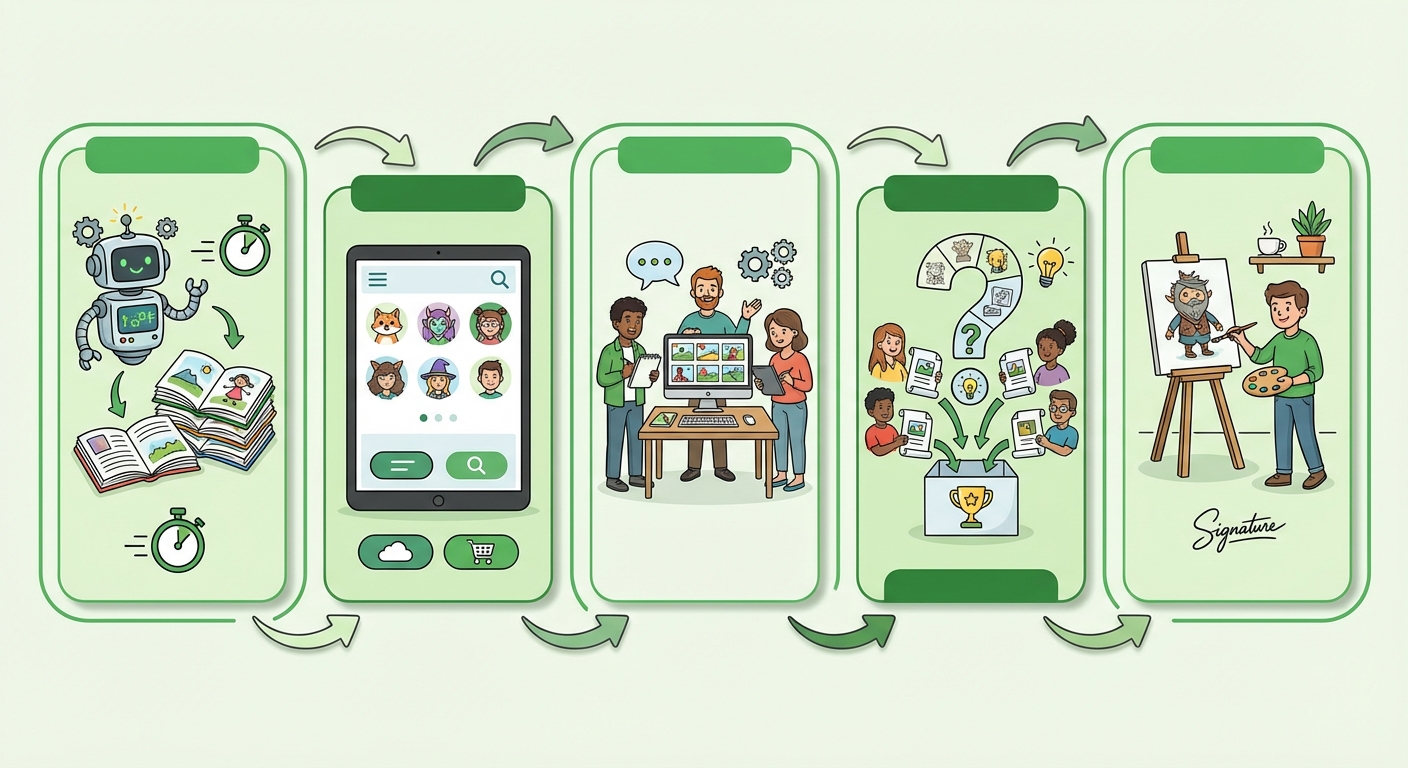
1. LoveToRead.ai: Instant, Personalized AI Illustrations
For those who need a fast, affordable, and deeply personal solution, AI-powered platforms have become a go-to choice. Leading the pack in 2026 is LoveToRead.ai, a service that integrates AI story generation with personalized illustrations. The platform is designed specifically for children’s books, allowing users to create a story with a custom main character in as little as 30 seconds. The magic lies in its ability to generate illustrations that feature a consistent character avatar, created by the user, throughout the entire narrative.
This integrated approach solves one of the biggest challenges of using standalone AI art tools: character consistency. With LoveToRead.ai, the child’s personalized avatar appears in every scene, creating a seamless and immersive experience. This is perfect for parents and educators who want to make a child the hero of their own story, fostering a powerful connection to reading. The platform offers an accessible entry point with credit-based pricing, making it a scalable solution for creating one book or an entire library.
Key Details:
- Best For: Parents, educators, and authors looking for speed, personalization, and affordability.
- Pros: Extremely fast creation, guaranteed character consistency, highly personalized, and a fully integrated system for both story and art.
- Cons: The artistic style is determined by the AI model, offering less creative control than hiring a human artist.
2. Freelance Marketplaces: Hiring a Professional Illustrator
The traditional route of commissioning an artist remains a popular and powerful option for creating truly unique custom illustrations for kids books. Websites like Upwork, Fiverr, and specialized portfolios on Behance or ArtStation connect you with thousands of talented illustrators from around the world. This method gives you complete creative control, allowing you to collaborate with an artist to develop a unique style that perfectly matches your story’s tone.
You can review portfolios, interview candidates, and find an artist whose work resonates with your vision. The process involves creating a detailed brief, providing feedback on sketches, and working through revisions to get the final artwork just right. While this path offers the highest degree of customization, it is also the most time-consuming and often the most expensive. Costs can range from a few hundred to several thousand dollars per book, depending on the illustrator’s experience and the complexity of the project.
Key Details:
- Best For: Authors and publishers with a specific artistic vision and a sufficient budget.
- Pros: Unmatched creative control, a unique and bespoke art style, and the potential for a long-term collaborative partnership.
- Cons: Can be very expensive, a slow process involving briefs and revisions, and requires significant project management.
3. Standalone AI Image Generators (Midjourney, DALL-E 3)
For the tech-savvy creator who wants more hands-on control over AI-generated art, standalone platforms like Midjourney and DALL-E 3 are powerful tools. These generators can produce breathtakingly creative and high-quality images from simple text prompts. By mastering the art of prompt engineering, you can guide the AI to create scenes, characters, and objects in virtually any style imaginable, from whimsical watercolors to vibrant cartoons.
However, this power comes with a steep learning curve. The biggest hurdle, which platforms like LoveToRead.ai have solved, is maintaining character consistency across multiple illustrations. As of 2026, getting an AI to render the exact same character in different poses and emotional states still requires advanced techniques and a lot of patience. Furthermore, creators must carefully review the terms of service regarding commercial usage rights for the generated images. For a deeper dive into this, our guide on How to Use AI for Storytelling: A 2026 Guide can provide more context.
Key Details:
- Best For: DIY authors and tech-enthusiasts comfortable with prompt engineering and experimentation.
- Pros: High degree of creative flexibility, relatively low cost (monthly subscriptions), and the ability to generate endless variations.
- Cons: Significant learning curve, major challenges with character consistency, and complex commercial usage rights.
4. Canva: DIY Design with Illustration Libraries
Canva has established itself as a go-to tool for accessible graphic design, and it can be a viable option for simple children’s book illustrations. Rather than generating new art, Canva provides a massive library of pre-made graphical elements, characters, and backgrounds that you can combine and arrange to build your scenes. Its drag-and-drop interface is incredibly user-friendly, making it possible to lay out pages and add text with ease.
This method is best suited for very simple stories, educational materials, or personal projects where a completely unique art style is not a primary concern. While you can customize colors and arrangements, the core elements are available to all Canva users, meaning your book won’t have a one-of-a-kind look. It’s an excellent budget-friendly starting point for those learning how to write a storybook for kids and want to create a quick visual mockup before investing in custom art.
Key Details:
- Best For: Budget-conscious creators, educators making classroom materials, and authors creating a first draft or mockup.
- Pros: Extremely easy to use, highly affordable (with a robust free version), and great for page layout and text integration.
- Cons: Illustrations are not unique, limited customization of graphical elements, and may result in a generic appearance.
5. Digital Art Software (Procreate, Adobe Illustrator)
For the author who is also an artist, creating the illustrations yourself offers the ultimate level of control and personal satisfaction. Professional-grade software like Procreate (for iPad) and Adobe Illustrator (for desktop) provides all the tools needed to draw, paint, and design every pixel of your book from scratch. This path allows you to develop a signature style that is entirely your own, ensuring your book is 100% original.
Of course, this option is only feasible for those who already possess artistic talent and are willing to invest a significant amount of time in the creative process. Beyond the cost of the software, the primary investment is the hundreds of hours it can take to illustrate a full 24- or 32-page children’s book. This is the quintessential author-illustrator route, offering unparalleled creative freedom but demanding a high level of skill and dedication. It’s a rewarding journey for those equipped for it, resulting in some of the best educational storybooks for young children when done well.
Key Details:
- Best For: Authors with strong artistic skills and the time to illustrate their own work.
- Pros: Complete and total creative control, a 100% unique and personal art style, and full ownership of the artwork.
- Cons: Requires professional-level artistic skill, is extremely time-consuming, and has a steep learning curve for the software.
Conclusion: Choosing the Right Path for Your Story
In 2026, the landscape for creating custom illustrations for kids books is more diverse and accessible than ever before. Your final choice depends on your goals, resources, and skills. If you desire a unique, handcrafted masterpiece and have the budget, hiring a freelance illustrator is an excellent investment. If you are an artist yourself, digital software gives you limitless freedom.
However, for the vast majority of parents, educators, and authors who want to create something beautiful, personal, and engaging without the high cost or time commitment, modern technology offers the ideal solution. AI-driven platforms like LoveToRead.ai stand out by providing a perfect balance of personalization, speed, and quality. They empower anyone to create a professionally illustrated story where a child they know can be the star, making the dream of a custom book a reality in minutes.