How to Use AI for Storytelling: A 2026 Guide
By 2026, artificial intelligence has become an indispensable co-pilot in nearly every creative field, and storytelling is no exception. From blockbuster movie scripts to the bedtime stories we read our children, AI is reshaping the narrative landscape. Learning how to use AI for storytelling isn’t about replacing human creativity; it’s about augmenting it, opening up new worlds of possibility for writers, parents, and educators. This guide will walk you through the essential steps to harness AI as a powerful creative partner.
Step 1: Establish Your Story’s Foundation
Before you can effectively command an AI, you must have a clear vision. AI works best with specific direction, not vague ideas. Start by defining the fundamental building blocks of your narrative.
Define Your Core Elements
- Character: Who is the protagonist? What are their goals, fears, and defining traits? The more detailed your character profile, the more consistently the AI can portray them.
- Setting: Where and when does the story take place? Is it a futuristic city in 2150, a magical forest, or a familiar school playground? Describe the atmosphere and key locations.
- Plot: What is the central conflict or journey? Outline a basic three-act structure: the beginning (setup), the middle (confrontation), and the end (resolution). Even a simple outline provides the AI with a necessary roadmap.
Pro Tip: For children’s stories, creating a relatable hero is key. Platforms like LoveToRead.ai build on this principle by allowing you to create personalized avatars, making a child the hero of their own tale and instantly establishing a strong character foundation.
Step 2: Select the Right AI Tool for the Job
The AI landscape in 2026 is diverse. The tool you choose will depend on your project’s complexity, your technical skill, and your end goal.
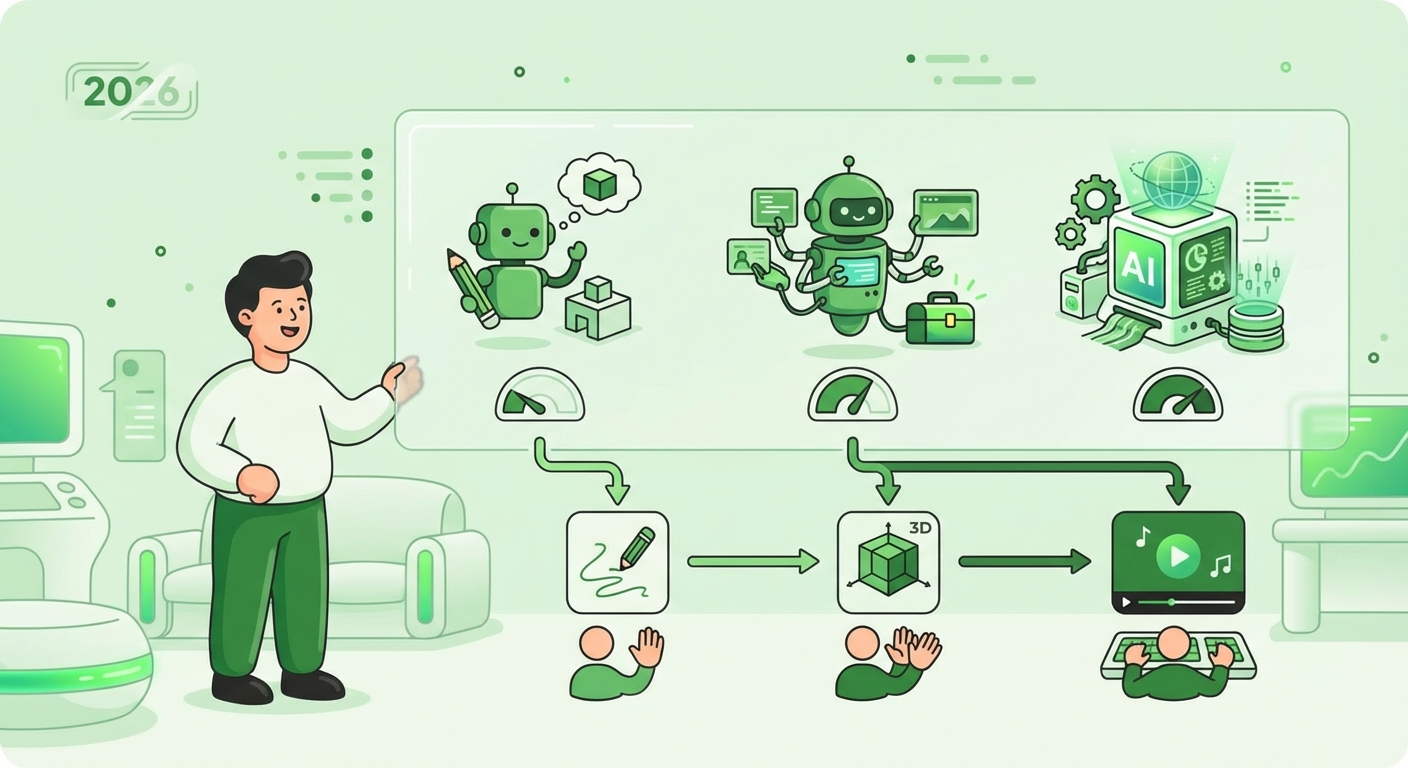
- Large Language Models (LLMs): Tools like GPT-5 and Claude 4 are incredibly versatile. They can brainstorm plot points, write entire chapters, or help you refine dialogue. They are best for writers who want a high degree of control and are comfortable with detailed prompt engineering.
- Specialized Storytelling Platforms: These are purpose-built applications designed for specific narrative forms. For instance, there are AI tools for screenwriting that handle formatting automatically. For parents and educators, services focused on children’s literature offer a streamlined experience. You can learn more about them in our guide, What Are AI Storybooks? A 2026 Explainer.
- AI Image Generators: Tools like Midjourney V8 or DALL-E 4 are essential for illustrated stories. They can turn your textual descriptions into stunning visuals, bringing your characters and settings to life.
Step 3: Master the Art of Prompting
Your ability to communicate with the AI is the single most important factor in getting a quality result. A prompt is your instruction, and a well-crafted prompt is the difference between a generic paragraph and a captivating scene.
Be Specific and Detailed
Don’t just say, “Write a story about a dragon.” Instead, provide context and constraints.
- Vague Prompt: “Write about a friendly dragon.”
- Specific Prompt: “Write a 200-word scene in a cheerful and whimsical tone. The scene features Sparky, a small, shimmering purple dragon who is afraid of heights. He is trying to get a red apple from the top of a tall oak tree with the help of his best friend, a clever squirrel named Squeaky.”
Set the Tone, Style, and Perspective
Explicitly tell the AI the mood and writing style you’re aiming for. Include phrases like “Write in the style of a classic fairytale,” “Use simple language suitable for a five-year-old,” or “Adopt a first-person perspective from the main character’s point of view.”
Iterate and Refine
The first output is rarely perfect. Use it as a starting point. If the AI misunderstands, refine your prompt. Add more detail, clarify an instruction, or ask it to try again with a different approach. This iterative process is a core part of co-creating with AI.
Step 4: Co-Create and Brainstorm with Your AI Partner
Shift your mindset from seeing AI as a simple generator to viewing it as a tireless creative collaborator. This is one of the most effective ways to learn how to use AI for storytelling.
- Beat Writer’s Block: If you’re stuck, ask the AI for ideas. For example: “I need three possible plot twists for a story where a young wizard discovers her powers. Make one funny, one dramatic, and one mysterious.”
- Expand on Ideas: If you have a single sentence or concept, feed it to the AI and ask it to flesh it out into a full paragraph or scene. This is an excellent way to build momentum.
- World-Building: Use AI to generate details about your story’s world. Ask it to create names for towns, describe local customs, or invent magical creatures. This can add incredible depth and how to foster creativity in kids: a 2026 guide who are creating their own worlds.
Step 5: Edit, Refine, and Humanize
This is a non-negotiable step. AI-generated text can sometimes be generic, repetitive, or lack emotional depth. Your role as the human author is to infuse the story with heart and soul.
- Check for Consistency: Ensure character voices, plot points, and world rules remain consistent throughout the story.
- Enhance Emotional Impact: Rework sentences to strengthen emotional beats. Add sensory details—sights, sounds, smells—that an AI might overlook.
- Inject Your Unique Voice: Rewrite passages to reflect your personal style. The final product should sound like you, with the AI’s assistance, not the other way around.
Step 6: Integrate Visuals with AI Art
A story is often more than just words. For children’s books, comics, or visual novels, AI art generators are game-changers. By providing detailed descriptions from your story, you can create custom illustrations that perfectly match your narrative. This visual element is key to how to make reading interactive for kids (2026 guide), as it helps them visualize the world and characters.
Common Mistakes to Avoid
As you begin your journey, be mindful of these common pitfalls:
- Over-reliance: Do not accept the first draft the AI produces. Always treat it as a starting point that requires your creative input and critical eye.
- Vague Prompting: Garbage in, garbage out. The quality of your output is directly tied to the quality of your input.
- Skipping the Edit: Publishing raw AI text is a recipe for a flat, soulless story. The human touch is what makes a narrative resonate with readers.
- Ignoring the Audience: Failing to specify the target audience in your prompts can result in a story with an inappropriate tone or vocabulary (e.g., overly complex language for a toddler’s book).
Expected Results: Your Storytelling Supercharged
By following these steps, you’ll transform AI from a novelty into a legitimate creative tool. You can expect to overcome writer’s block more easily, accelerate your content creation process, and explore ideas you might never have conceived on your own. For parents, this means creating endless, engaging, and personalized stories that can develop a love for reading from a young age.
Ultimately, learning how to use AI for storytelling is about blending the best of machine efficiency with the irreplaceable spark of human imagination. The result is a richer, more dynamic, and more accessible creative process for everyone. For those looking to see this process in action, platforms like LoveToRead.ai have perfected the art of combining user input with AI to generate beautiful, personalized children’s stories in under a minute.