Top 12 Best Reading Apps for Kindergarten in 2026
The kindergarten year is a pivotal time when letters begin to morph into words, unlocking the magic of stories. Supporting this crucial developmental stage with the right digital tools can amplify learning and ignite a passion for reading. If you are not sure which stage your child is actually in, our guide to the stages of reading development maps the whole sequence in plain English. But with a saturated market, identifying the best reading apps for kindergarten that genuinely foster literacy skills, rather than just provide entertainment, can be overwhelming. This guide is designed to cut through that noise, offering a clear and practical roadmap for parents and educators. (Looking for apps where kids make their own stories rather than read them? Our kids’ storytelling apps roundup covers those.)
We will provide a detailed breakdown of 12 leading applications, moving beyond simple feature lists. Each review includes an honest assessment of its strengths and limitations, ideal use-case scenarios, and practical implementation tips. From structured phonics-based programs like ABCmouse and HOMER to expansive digital libraries such as Epic and Vooks, we cover the full spectrum of learning needs. You’ll find direct links and screenshots for each app, helping you visualize how it works before you commit.
And for those seeking a truly unique and engaging experience, we’ll explore tools that allow you to create personalized stories in seconds. Platforms like Love to Read let you convert real-life photos into storybook characters, building a reusable cast for endless adventures and even offering hardback copies of your creations. Our goal is to equip you with the insights needed to select an app that not only teaches your child to read but also helps them fall in love with the process. Let’s find the perfect fit for your emerging reader.
1. Apple App Store (iOS/iPadOS)
The Apple App Store is the primary marketplace for discovering and installing the best reading apps for kindergarten if your family uses an iPhone or iPad. It isn’t a single reading app but rather a heavily curated, secure ecosystem where top educational developers publish their applications. This makes it an essential first stop for parents and educators seeking high-quality, vetted content. Apple’s strict review process and detailed privacy labels for each app provide a level of trust and safety that is hard to match.
For kindergarten-aged children, the dedicated “Kids” category, filterable by age (e.g., “Ages 5 & Under”), simplifies the search for appropriate material. Parents can leverage powerful built-in tools like Family Sharing to share purchased apps and subscriptions, while Ask to Buy sends a notification to the parent’s device before a child can make a purchase, preventing accidental spending. The platform’s user-friendly interface makes it easy to read reviews, compare apps, and manage subscriptions in one centralized location.
Key Features and User Experience
- Vast, Curated Selection: Access thousands of educational apps specifically designed for early readers, with clear age ratings and editor-curated lists.
- Robust Parental Controls: Utilize integrated iOS features like Screen Time to set limits and Guided Access to lock a child into a single app, ensuring focused learning sessions.
- Transparent Information: App pages clearly display pricing, in-app purchase details, and crucial data privacy practices, helping you make informed decisions.
- Seamless Management: Installation, updates, and subscription cancellations are handled directly through your Apple ID, offering a streamlined user experience.
| Feature | Details |
|---|---|
| Platform | iOS, iPadOS |
| Pricing | Varies by app; free, paid, and subscription models available. |
| Pros | High safety standards, excellent parental controls, huge selection. |
| Cons | Exclusive to Apple devices, auto-renewing subscriptions require management. |
Visit the Apple App Store
2. Google Play Store – Family/Teacher Approved
The Google Play Store is the essential destination for finding the best reading apps for kindergarten on Android devices and Chromebooks. More than just a marketplace, its dedicated "Kids" tab and "Teacher Approved" program offer a curated ecosystem where parents and educators can discover high-quality educational content. This program involves teachers reviewing apps for age-appropriateness, educational value, and overall design, providing a trustworthy filter for a vast library. This thoughtful curation makes it a reliable starting point for finding effective early literacy tools.
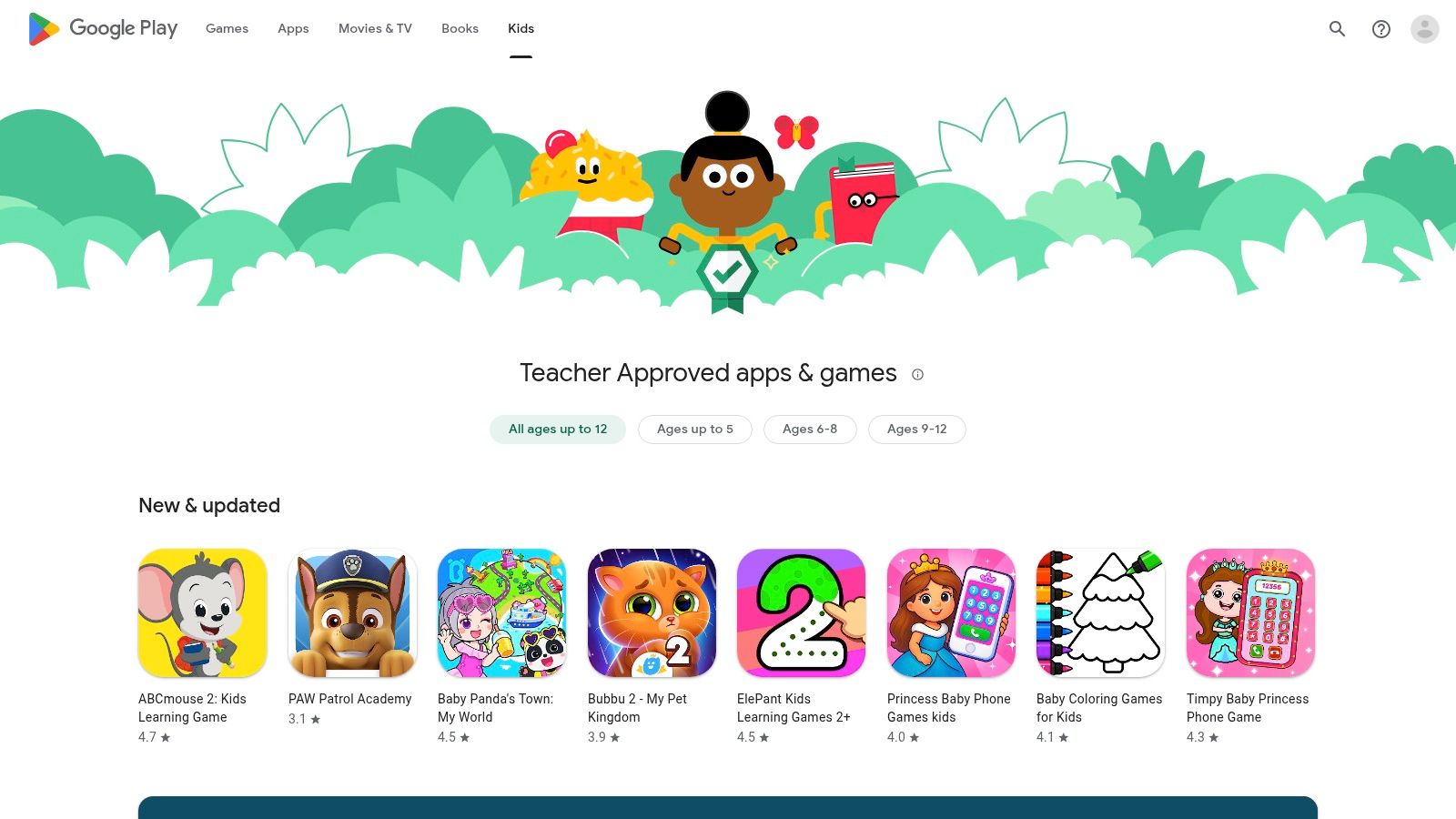
For families in the Android ecosystem, the Play Store’s filtering options, such as "Ages 5 & under," are invaluable for narrowing down choices. It integrates seamlessly with Google’s Family Link parental controls, allowing parents to manage screen time, approve app downloads, and oversee in-app purchases. The store’s open nature provides a wide variety of apps, from phonics games to interactive storybooks, catering to diverse learning styles and interests. This broad compatibility across phones, tablets, and Chromebooks makes it a versatile resource for at-home and in-classroom learning.
Key Features and User Experience
- Teacher Approved Program: Look for the special badge indicating that an app has been reviewed and recommended by educators for its quality and educational merit.
- Strong Parental Controls: Use Google Family Link to set digital ground rules, approve or block apps, and monitor your child's activity from your own device.
- Clear App Information: Each app page details pricing, whether it contains ads or in-app purchases, and what data it collects, empowering informed choices.
- Broad Device Support: Apps are available across a huge range of Android smartphones, tablets, and many Chromebook models, offering excellent accessibility.
| Feature | Details |
|---|---|
| Platform | Android, ChromeOS |
| Pricing | Varies by app; free (with ads), paid, and subscription options. |
| Pros | Broad device compatibility, curated 'Teacher Approved' collection. |
| Cons | Curation quality can vary, vigilance needed for in-app purchases. |
3. Amazon Kids+ and Amazon Appstore
Amazon Kids+ and its corresponding Amazon Appstore create a comprehensive ecosystem for families invested in Amazon's hardware, like Fire tablets and Kindle devices. Rather than just a single app, Kids+ is a subscription that unlocks a vast, all-in-one library of thousands of age-appropriate books, games, videos, and Audible audiobooks. This bundled approach makes it one of the best reading apps for kindergarten for parents seeking a simple, unified content solution without managing multiple subscriptions. The entire experience is curated and operates within a safe, ad-free environment.
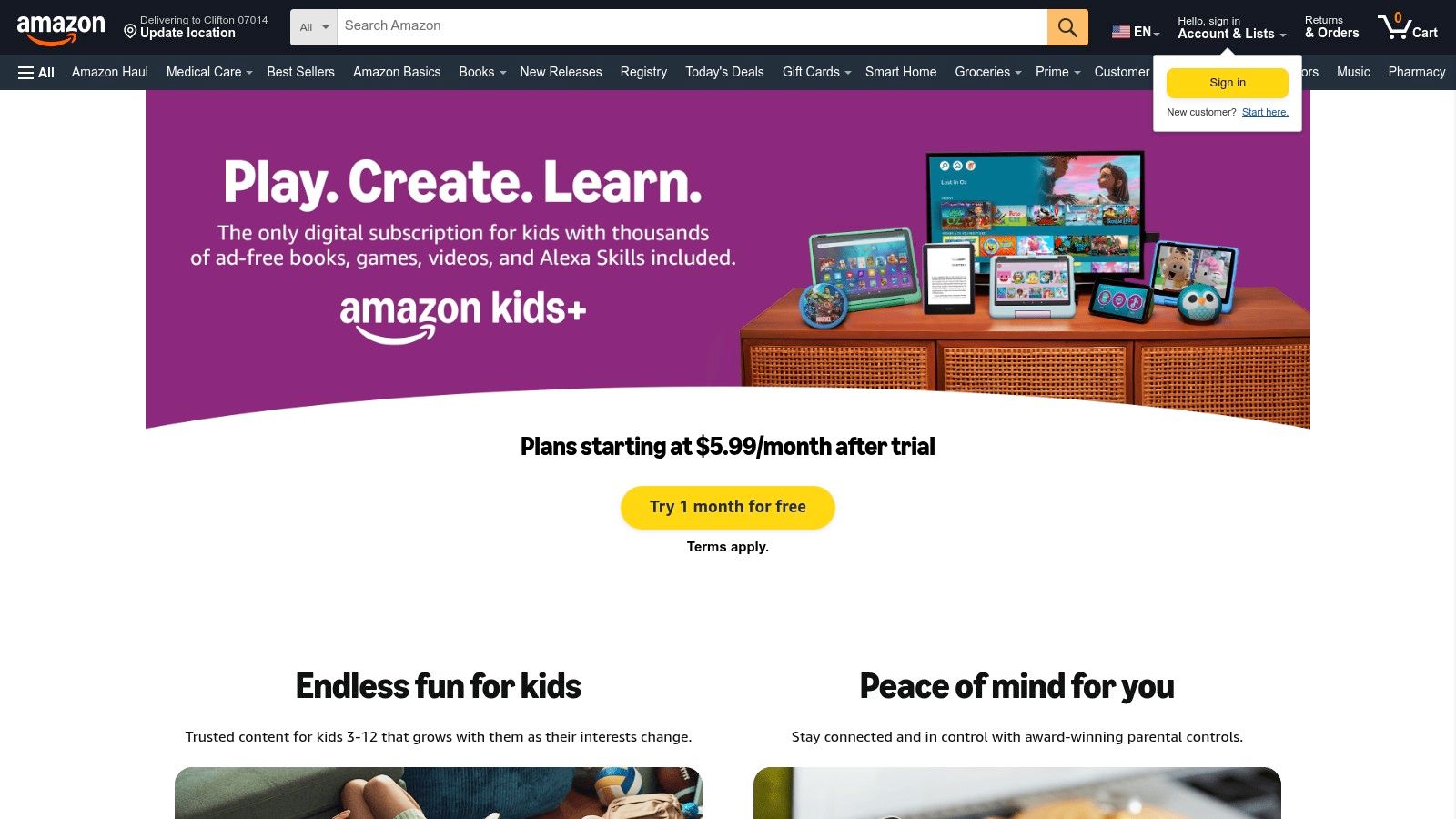
The platform shines with its powerful, easy-to-use Parent Dashboard, which allows parents to set daily time limits, filter content by age, and review their child’s activity. For a more traditional reading experience, the Kindle Kids Edition often includes a one-year subscription to Kids+ and features a reading-friendly, glare-free screen. While the service is heavily optimized for Amazon hardware, the value of a single subscription providing access to a massive library of vetted content makes it a compelling choice for parents.
Key Features and User Experience
- All-in-One Curated Library: Access a huge collection of books, apps, and videos from trusted brands like Disney, PBS Kids, and Nickelodeon.
- Robust Parent Dashboard: Easily manage screen time, set educational goals, and control the content your child can access from any web browser.
- Ad-Free Environment: Provides a safe, focused space for children to learn and play without exposure to advertisements or in-app purchase requests.
- Device Integration: Seamlessly works across Amazon devices, including Fire tablets, Kindle e-readers, and Echo smart speakers for audiobooks.
| Feature | Details |
|---|---|
| Platform | Amazon Fire OS, Android, iOS, ChromeOS |
| Pricing | Starts at $4.99/month for Prime members; device bundles often include one year free. |
| Pros | Excellent value with one subscription, robust parental controls, device bundles designed for kids. |
| Cons | Best experience is on Amazon devices, limited functionality on iOS. |
4. ABCmouse
ABCmouse offers a comprehensive, all-in-one educational program designed for children ages 2-8. While it covers multiple subjects like math, science, and art, its structured "Step-by-Step Learning Path" makes it one of the best reading apps for kindergarten because it guides children through a complete learn-to-read curriculum. The platform uses a gamified approach with games, puzzles, animations, and a vast library of digital books to keep young learners engaged. Its strength lies in providing a holistic educational foundation where reading skills develop alongside other core competencies.
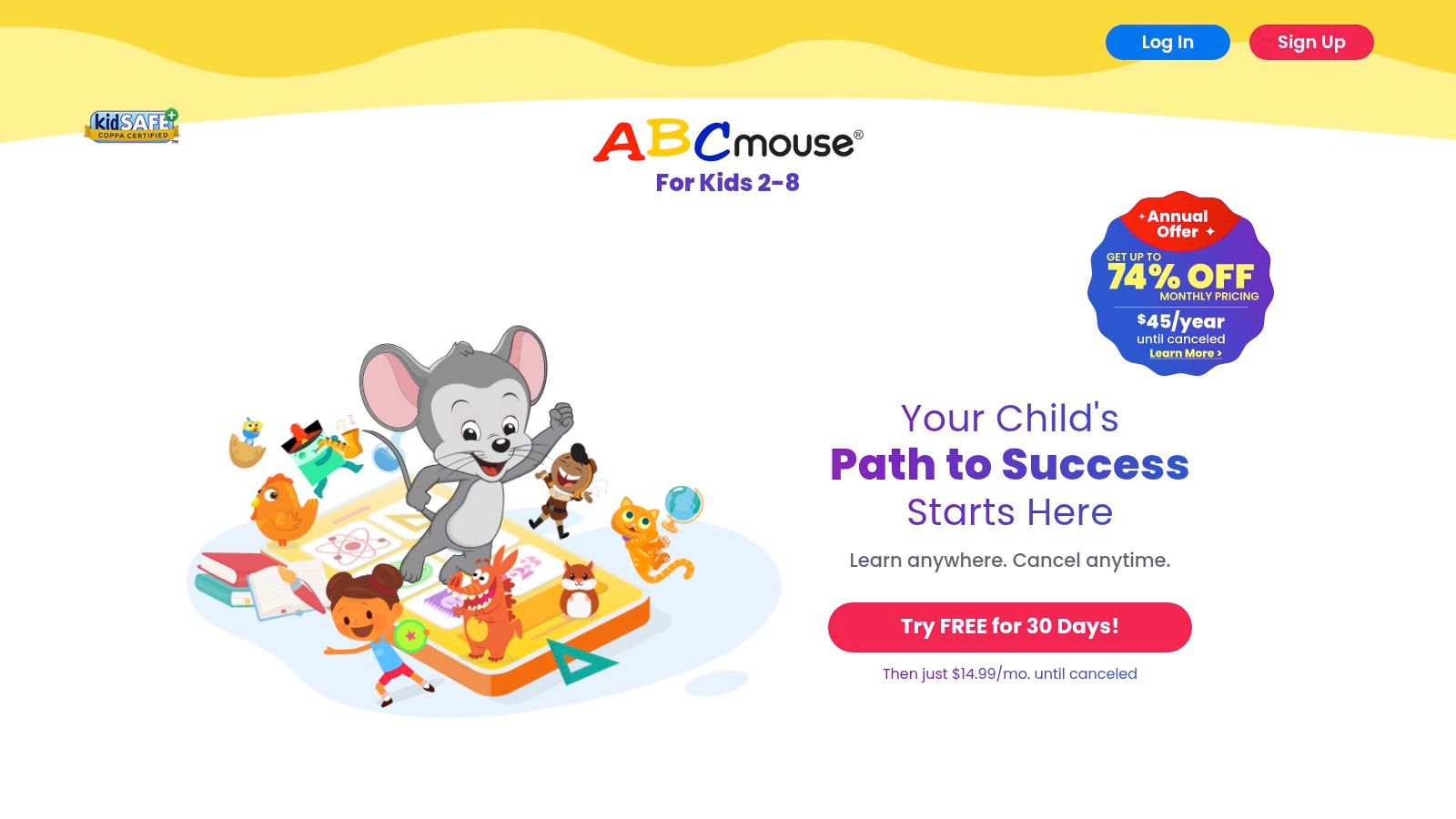
The user experience is designed like a virtual classroom and world, which can be highly motivating for kindergarteners. Parents appreciate the progress tracking feature, which shows which skills and subjects their child has mastered and where they might need more practice. With support for multiple child profiles, it’s a practical solution for families with more than one young learner. For parents looking for an established program that covers more than just literacy, ABCmouse provides a robust and well-rounded solution.
Key Features and User Experience
- Step-by-Step Learning Path: A guided curriculum that systematically builds foundational reading skills from basic phonics to sight words and full sentences.
- Multi-Subject Integration: Reading is taught alongside math, art, and science, providing a well-rounded educational experience in a single app.
- Extensive Content Library: Includes hundreds of interactive books, songs, and reading-focused games to reinforce learning and maintain engagement.
- Progress Tracking: A detailed parent dashboard allows you to monitor your child's activities, academic progress, and curriculum completion.
| Feature | Details |
|---|---|
| Platform | iOS, Android, Amazon Fire, Desktop (Web) |
| Pricing | Subscription-based model, typically around $12.99/month or with annual discounts. Free trials are often available. |
| Pros | Broad coverage of multiple early learning subjects, often offers free trials, proven evidence-based curriculum. |
| Cons | Can feel busy or overwhelming for families focusing solely on reading, subscription can be pricey. |
5. Reading Eggs
Reading Eggs is a comprehensive, research-based online reading program designed to take children from pre-reading skills to confident fluency. It stands out as one of the best reading apps for kindergarten because of its highly structured, self-paced lessons that begin with a placement test to customize the learning path for each child. This ensures that the content is challenging but not overwhelming, building a strong foundation in core literacy skills from the very beginning.
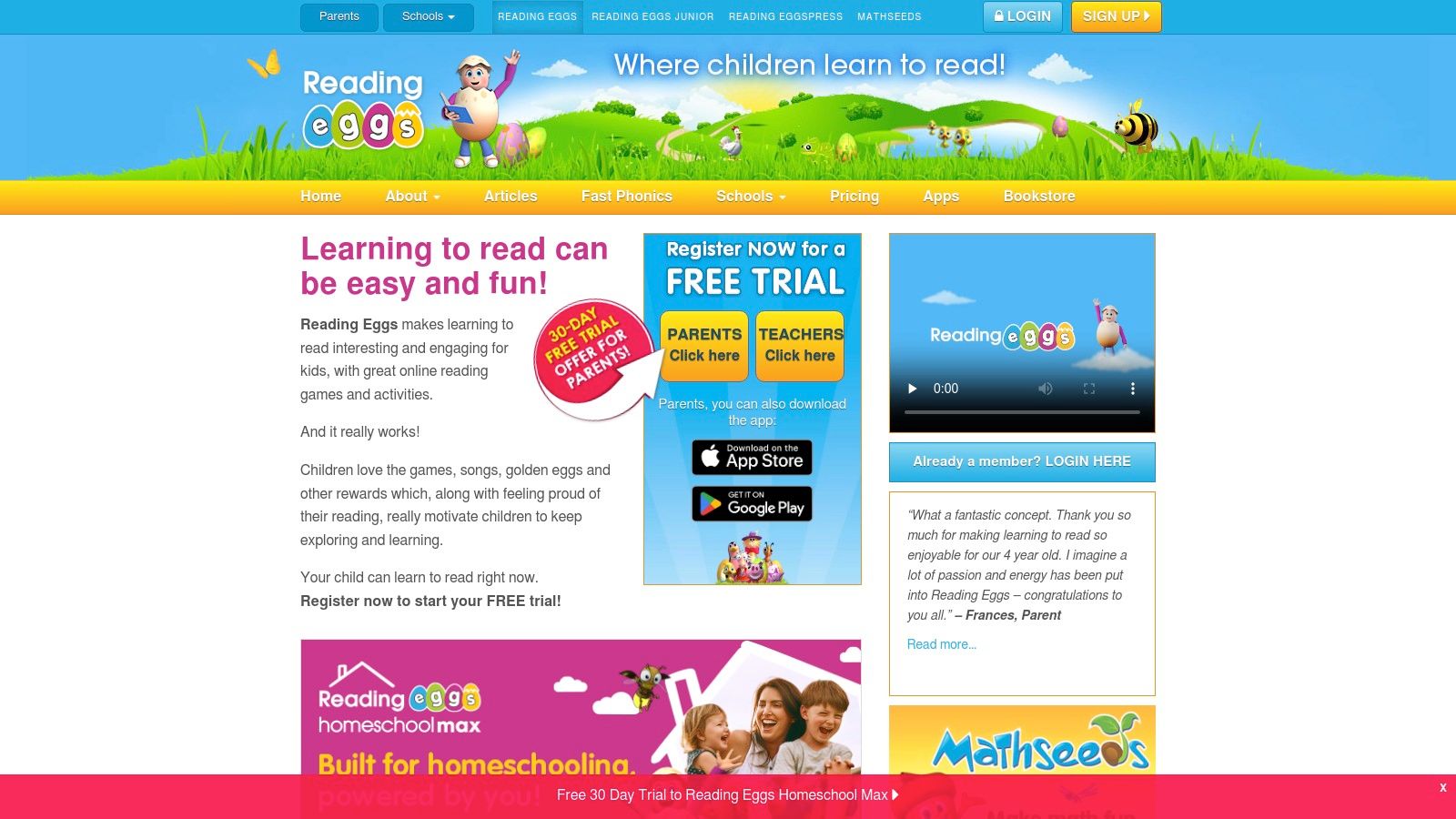
The platform uses a game-like format with colorful characters, songs, and rewards to keep young learners engaged. Each lesson builds sequentially on the last, covering essential topics like phonemic awareness, phonics, sight words, and early comprehension. Parents receive detailed progress reports, and a single account can support up to four children, making it a great value for families.
Key Features and User Experience
- Structured Learning Path: A placement test determines the child’s starting level, followed by one-on-one lessons that progress in a logical sequence.
- Engaging and Gamified: The program uses interactive activities, animations, and a rewards system to make learning to read fun and motivating.
- Comprehensive Skill Coverage: Lessons cover the five essential components of reading: phonemic awareness, phonics, fluency, vocabulary, and comprehension.
- Parent Dashboard: Easily track your child’s progress, view completed lessons, and print certificates and activity sheets to reinforce learning offline.
| Feature | Details |
|---|---|
| Platform | Web browser, iOS, Android |
| Pricing | Subscription-based; monthly and annual plans available. Combined math and reading bundles offered. |
| Pros | Highly structured curriculum, excellent for phonics, 30-day free trial. |
| Cons | Interface can feel busy or overly stimulating for some children, requires initial parental setup. |
6. Khan Academy Kids
Khan Academy Kids is a remarkable educational resource and one of the best reading apps for kindergarten because it is completely free, with no ads or subscriptions. Developed in collaboration with experts at Stanford University, it provides a holistic learning experience that covers reading, writing, and phonics alongside math and social-emotional skills. Its mission-driven, nonprofit model ensures that high-quality, research-backed content is accessible to every family, making it an outstanding choice for supplemental learning at home or in the classroom.
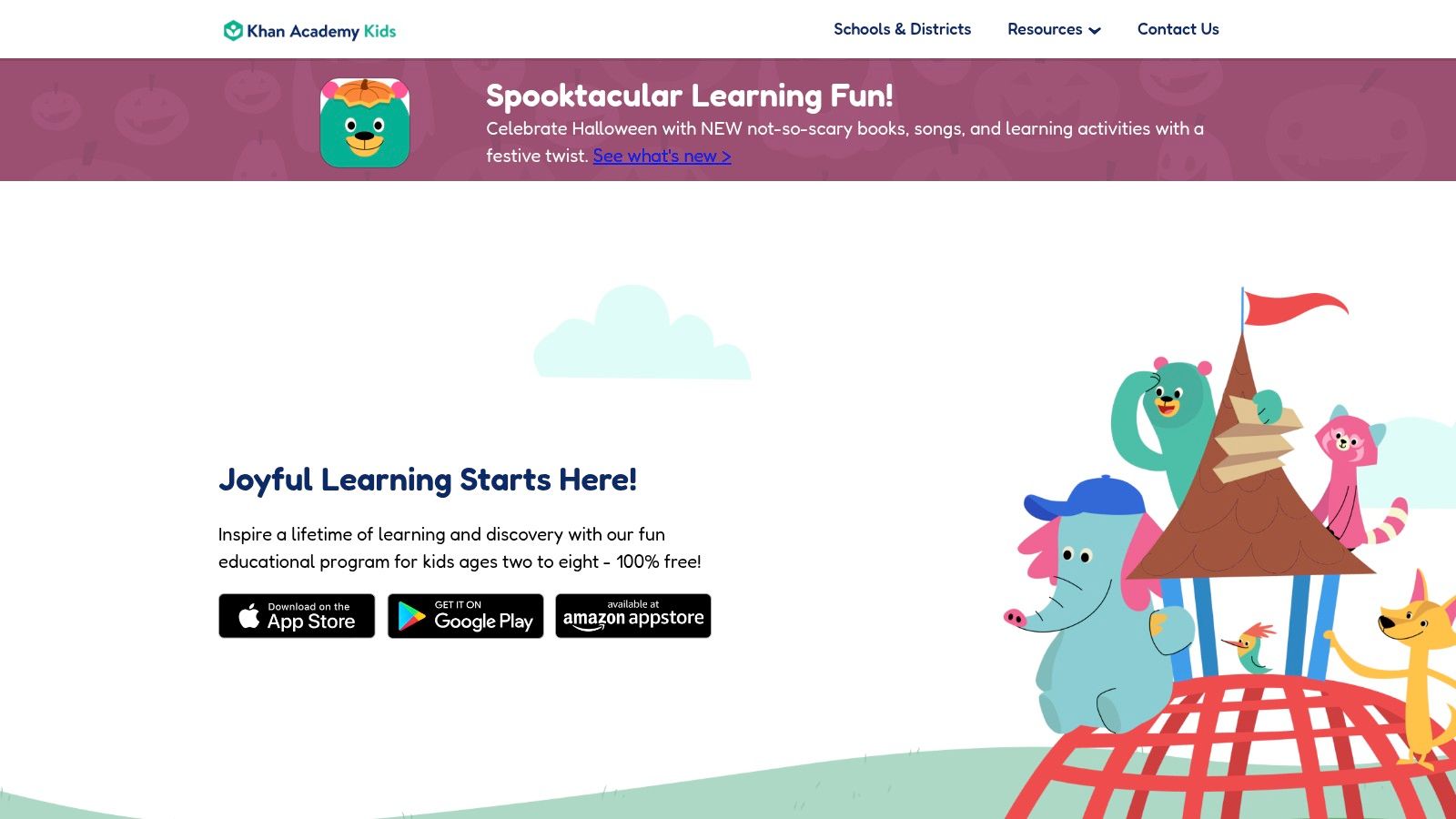
The app’s reading pathway guides children through foundational skills with a library of original books, read-aloud stories, and activities focused on letters, sounds, and sight words. A charming cast of animal characters guides children through lessons, creating an engaging and supportive environment. For parents, the included dashboard offers valuable insights into their child’s progress, highlighting areas of strength and suggesting activities to try next. The ability to download content for offline use makes it perfect for learning on the go without needing an internet connection.
Key Features and User Experience
- 100% Free and Ad-Free: Delivers a safe, uninterrupted learning environment without any hidden costs, in-app purchases, or distracting third-party advertisements.
- Comprehensive Curriculum: Aligned with early learning standards, it covers a wide range of subjects, ensuring a well-rounded educational foundation.
- Parent and Teacher Tools: Provides simple dashboards to track individual progress, manage assignments, and understand what skills a child is mastering.
- Offline Accessibility: Download lessons and books to keep kids engaged and learning during travel or in areas without reliable Wi-Fi.
| Feature | Details |
|---|---|
| Platform | iOS, iPadOS, Android, Amazon Fire |
| Pricing | Completely free; no ads or subscriptions. |
| Pros | Outstanding value and safety, strong reputation in schools, grows with child. |
| Cons | Not a pure phonics curriculum, works best as an all-in-one free option or supplement. |
7. Epic – Kids’ Books & Reading
Epic offers a vast, all-you-can-read digital library, making it one of the best reading apps for kindergarten for sheer volume and variety. It functions like a curated Netflix for children's books, providing instant access to over 40,000 high-quality titles from leading publishers. This platform is expertly designed to foster a love for reading by allowing children to explore their interests freely within a safe, ad-free environment. For kindergarteners, the extensive collection of "Read-to-Me" books provides critical support, modeling fluent reading and building vocabulary.
The platform excels at motivating young readers through gamification elements like badges and reading goals, which encourage them to read more frequently. Parents and educators can track progress through a dedicated dashboard, viewing metrics like time spent reading and books completed. With support for multiple child profiles, each child gets a personalized experience. Educators can also access Epic School for free during school hours, making it a powerful classroom resource that seamlessly extends to home use with a family subscription.
Key Features and User Experience
- Massive Digital Library: Access 40,000+ popular books, audiobooks, and learning videos from top publishers.
- Engaging Motivation System: Gamified rewards, reading streaks, and achievement badges encourage daily reading habits.
- Personalized Profiles: Each child gets a tailored experience with recommendations based on their reading level and interests.
- Offline Access: Download books to a device for on-the-go reading without needing an internet connection.
| Feature | Details |
|---|---|
| Platform | iOS, Android, Web Browser |
| Pricing | Monthly or annual subscription for families; free for educators during school hours. |
| Pros | Unmatched variety of books, excellent for motivating reluctant readers. |
| Cons | Not a structured phonics curriculum; requires a recurring subscription for home use. |
8. HOMER Learn & Grow
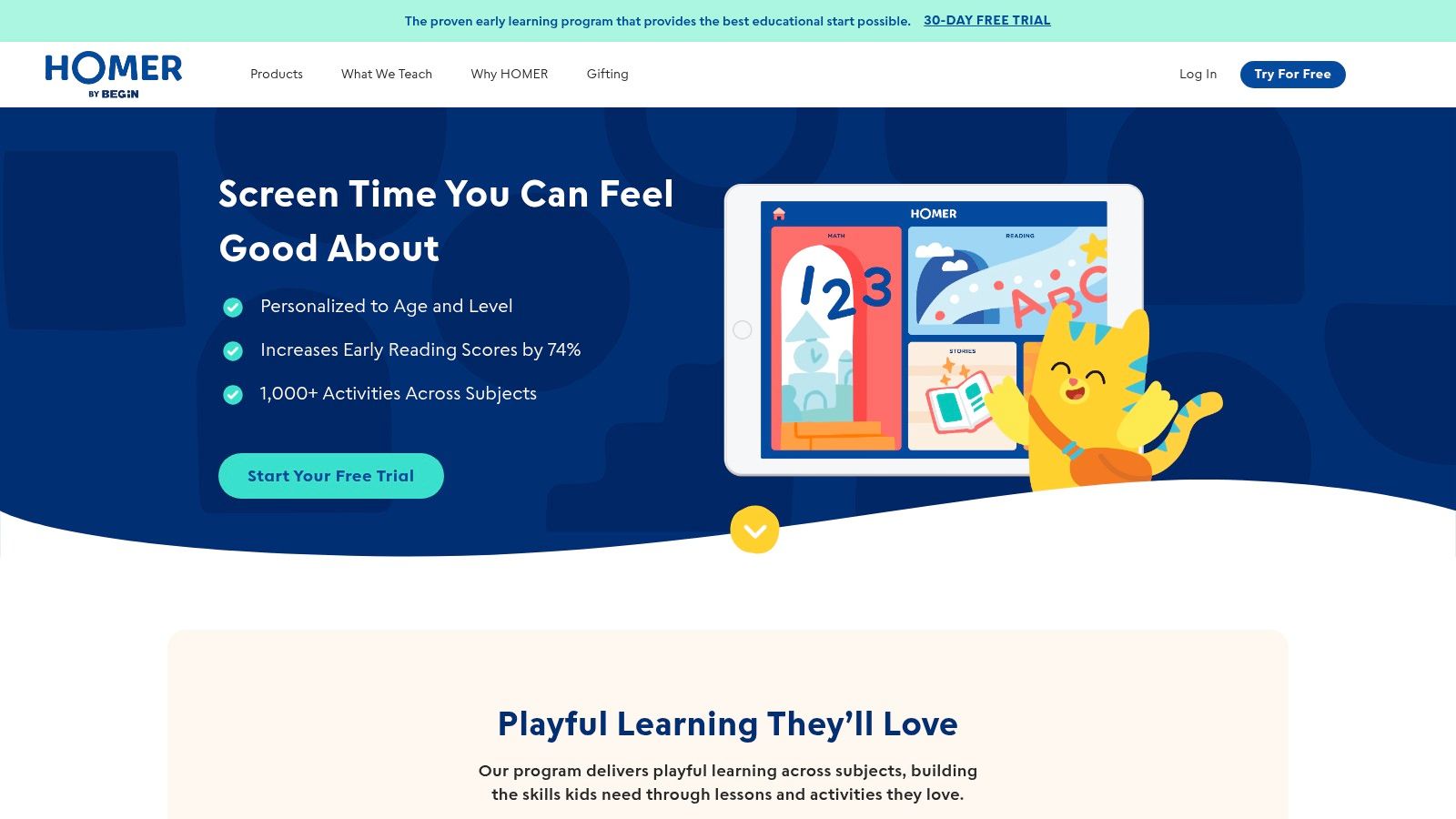
HOMER Learn & Grow offers a comprehensive, research-backed early learning program that excels in building foundational reading skills. Unlike apps that focus solely on digital books, HOMER provides a personalized, step-by-step reading pathway that guides children from mastering letters and sounds to fluently reading sight words and stories. This structured approach makes it one of the best reading apps for kindergarten, especially for parents who want a clear roadmap for their child’s literacy journey. The program adapts to your child's current level, ensuring the content is always challenging yet achievable.
The platform supports up to four child profiles, making it an excellent and cost-effective choice for families with multiple young children. Beyond its core reading curriculum, HOMER integrates subjects like math, social-emotional learning, and creativity, offering a well-rounded educational experience. The ad-free environment and inclusion of offline activities and printable worksheets help bridge the gap between digital and hands-on learning, providing a holistic tool for parents.
Key Features and User Experience
- Personalized Reading Pathway: Lessons are tailored to your child's specific skill level and adapt as they progress through phonics, sight words, and reading comprehension.
- Multi-Subject Content: Engages children with a variety of subjects beyond reading, including math, creativity, and critical thinking, all within a single app.
- Family-Friendly Profiles: Create up to four distinct profiles, allowing each child to learn at their own pace without interfering with a sibling’s progress.
- Ad-Free and Safe: Provides a secure, uninterrupted learning environment free from advertisements and third-party pop-ups.
| Feature | Details |
|---|---|
| Platform | iOS, Android, Web Browser |
| Pricing | Subscription-based; offers a 30-day free trial. Annual and monthly plans available. |
| Pros | Clear, structured early reading pathway, good for siblings and family sharing, offers 30-day free trial. |
| Cons | Smaller library compared to competitors like Epic, focus on guided practice over reading volume. |
9. Starfall
Starfall is a nonprofit, publicly supported charity that has been a trusted resource in early childhood education for decades. Its website and corresponding apps offer a gentle, phonics-based approach that makes it one of the best reading apps for kindergarten classrooms and homes. The platform excels at building foundational literacy skills, guiding children from letter recognition and phonemic awareness to reading simple sentences through engaging, interactive games, songs, and animated stories.
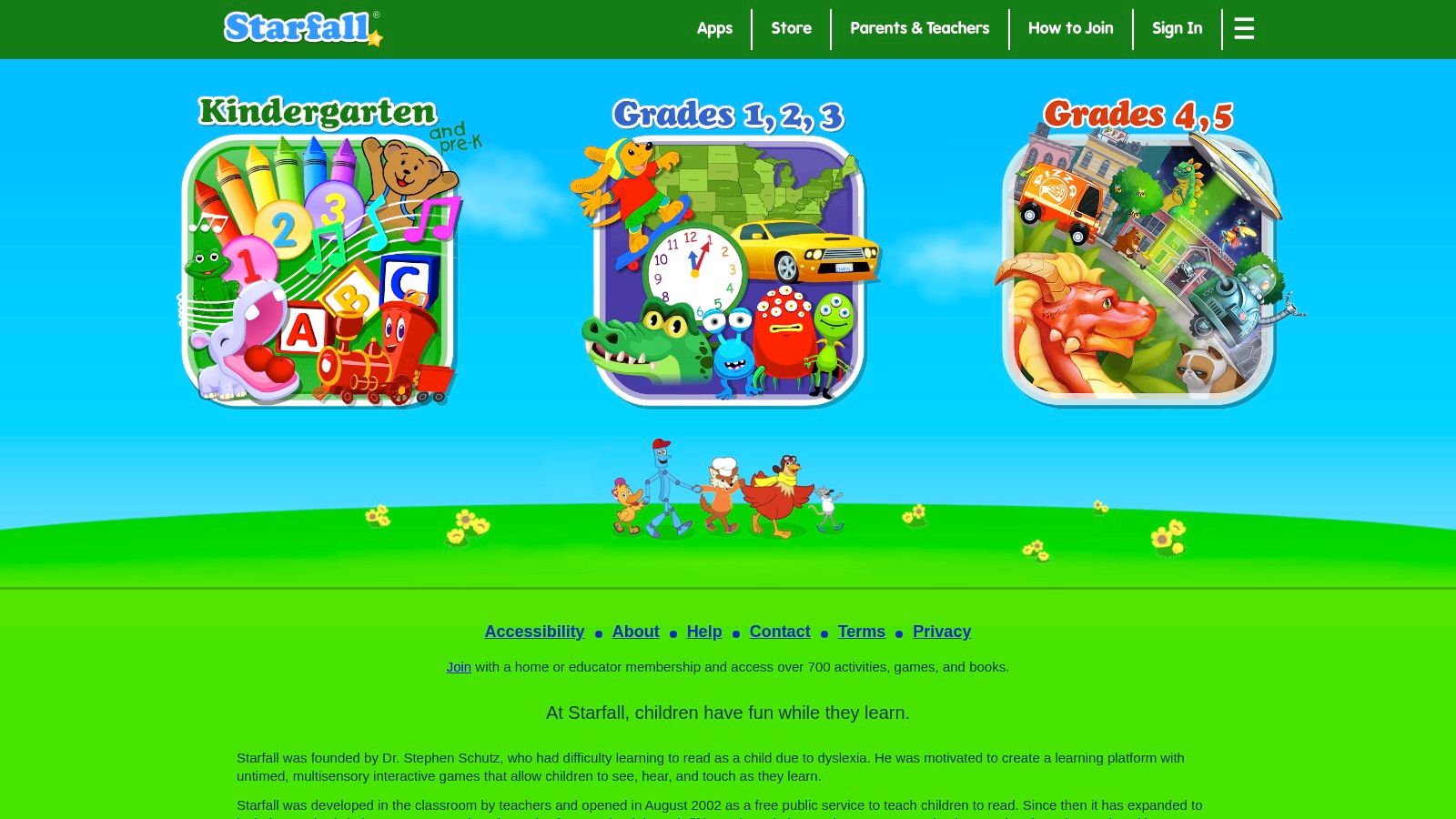
Unlike many modern apps focused on flashy graphics, Starfall maintains a simple, kid-friendly design that minimizes distractions and keeps the focus purely on learning. Its content is structured sequentially, allowing children to progress at their own pace. A low-cost annual membership unlocks the full suite of activities across all devices, making it an accessible and highly effective tool for reinforcing the skills taught in school. For a truly next-level experience in personalized reading, check out what makes LoveToRead.ai a standout choice. You can create personalized stories in seconds, convert real-life photos into characters, reuse your custom character library across different stories, and even order hardback copies of your creations.
Key Features and User Experience
- Structured Phonics Pathway: Content is organized to systematically teach letter sounds, word families, and sight words in a logical progression.
- Cross-Platform Access: A single membership provides full access to content on web browsers, iOS, Android, and Kindle Fire devices.
- Teacher-Developed Content: The activities are designed by experienced educators, ensuring they are pedagogically sound and align with early learning standards.
- Safe, Ad-Free Environment: As a nonprofit, the platform is entirely free of advertisements and third-party content, providing a secure space for children to learn.
| Feature | Details |
|---|---|
| Platform | Web, iOS, Android, Kindle Fire |
| Pricing | Free content available; full access via a low-cost annual membership. |
| Pros | Strong educational focus, nonprofit mission, affordable, widely used in schools. |
| Cons | Graphics are less modern than competitors, content is limited to early-grade levels. |
10. Teach Your Monster to Read
Teach Your Monster to Read is a celebrated, game-based phonics and reading program that makes learning an adventure. Developed by the Usborne Foundation, it stands out as one of the best reading apps for kindergarten because it masterfully combines structured phonics lessons with an engaging storyline. Children create their own monster and guide it through a magical world, completing challenges that systematically teach everything from letter sounds to reading full sentences.
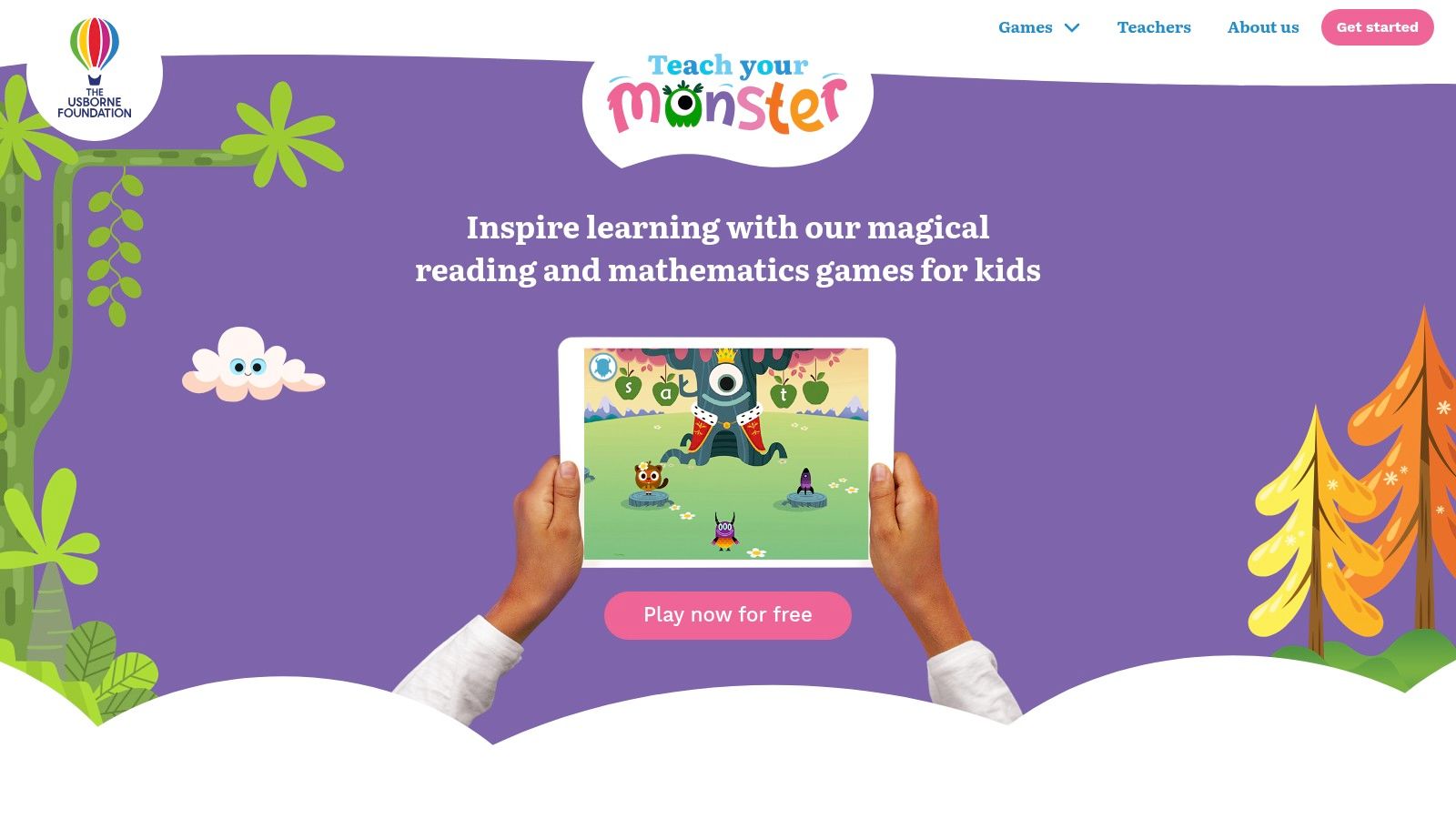
The platform is designed to complement classroom phonics instruction, making it a powerful tool for both parents and teachers. The web-based version is completely free, offering equitable access to its award-winning content. While the mobile apps require a one-time purchase, the proceeds are reinvested by the nonprofit to create more educational resources for children. This commitment to accessibility and education over profit makes it a trustworthy and highly recommended choice.
Key Features and User Experience
- Engaging Gameplay: The monster customization and narrative-driven quests keep children motivated and eager to progress through the phonics levels.
- Structured Learning Path: The game follows a rigorous, curriculum-aligned sequence, ensuring children build foundational reading skills in a logical order.
- Cross-Device Accessibility: Signing in allows progress to be synced between the free web version and the paid mobile apps, offering flexibility for learning at home or on the go.
- Nonprofit Mission: Developed by a charity, the platform prioritizes learning outcomes and reinvests all profits back into its educational mission.
| Feature | Details |
|---|---|
| Platform | Web, iOS, iPadOS, Android, Amazon |
| Pricing | Free on the web; one-time purchase for mobile apps. |
| Pros | Highly engaging for phonics, web version is completely free, minimal ads. |
| Cons | Mobile apps require a purchase, app purchases do not transfer between stores (e.g., iOS to Android). |
Visit Teach Your Monster to Read
11. Vooks – Read-Aloud Streaming Storybooks
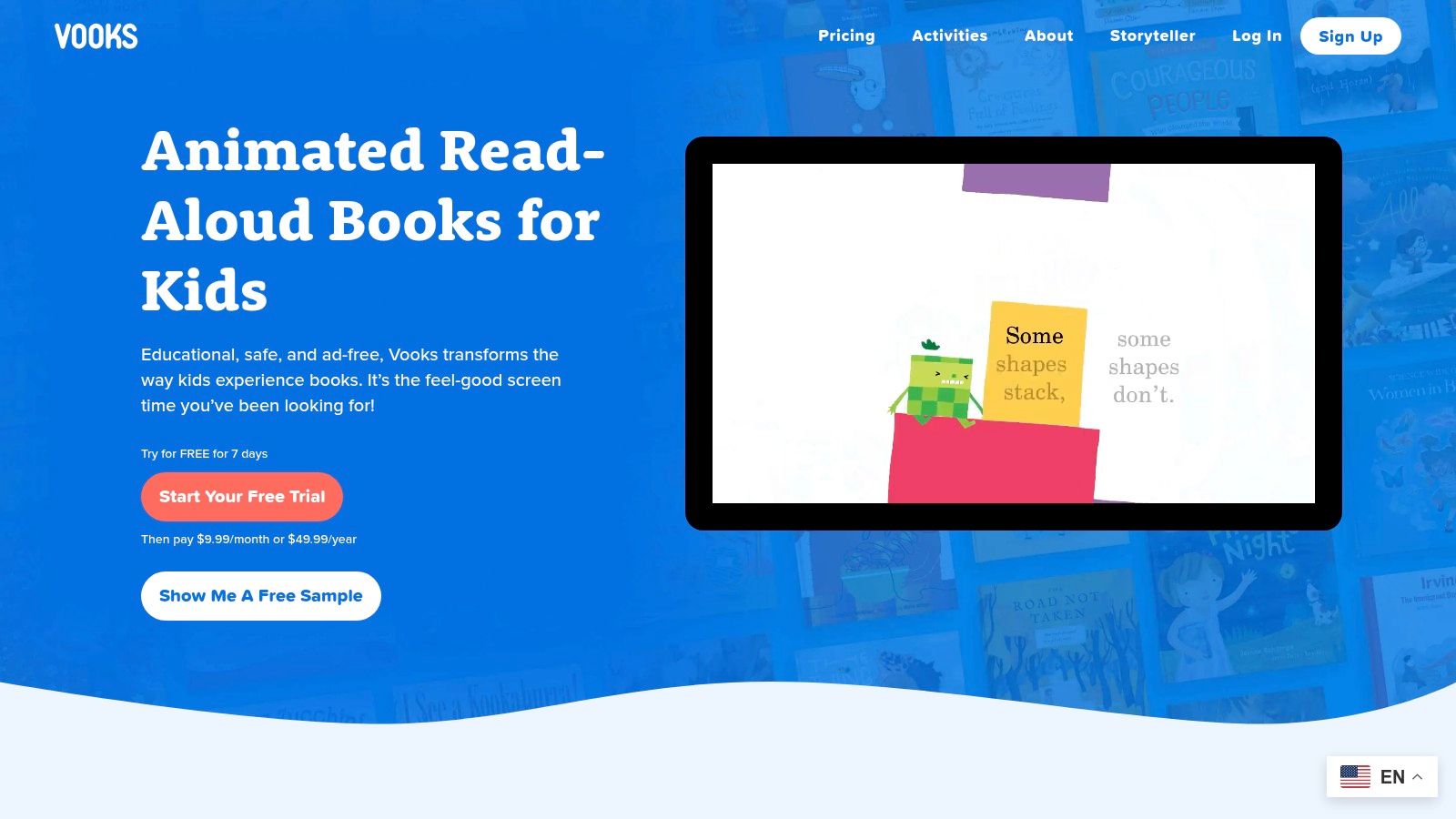
Vooks transforms screen time into a productive reading experience by bringing beloved picture books to life through subtle animation and narration. Marketed as the “Netflix of storybooks,” it offers a streaming library of animated read-alouds that help build vocabulary and reading stamina. This makes it one of the best reading apps for kindergarten for fostering a simple love of stories and print awareness in a calm, engaging format. Unlike overstimulating cartoons, Vooks focuses on the actual text, highlighting words as they are read to help children connect spoken and written language.
The ad-free, curated environment ensures children are only exposed to high-quality, age-appropriate content. Parents can easily create playlists for routines like bedtime or quiet time, and the offline download feature is perfect for travel. It serves as an excellent digital supplement to a physical library, exposing children to new titles and authors while providing a comforting and educational alternative to passive video content.
Key Features and User Experience
- Animated Story Library: Access a growing collection of beautifully animated picture books with professional read-aloud narration.
- Ad-Free and Safe: A completely secure, ad-free platform designed specifically for children ages 2 to 8.
- Offline Viewing: Download favorite stories to watch on the go without needing an internet connection.
- Multi-Device Support: Enjoy Vooks on iOS, Android, web browsers, and various smart TV platforms for versatile access.
| Feature | Details |
|---|---|
| Platform | iOS, Android, Web, TV |
| Pricing | Subscription-based; monthly and annual plans available with a free trial. |
| Pros | High production value, promotes reading stamina, great for daily routines. |
| Cons | Not a phonics curriculum, best used as a complement to decoding practice. |
12. Common Sense Media – App Reviews and Lists
Common Sense Media is not a reading app itself but rather an essential independent resource for parents and educators. It provides expert, unbiased reviews and curated lists to help you find the best reading apps for kindergarten amid a crowded market. This non-profit organization is dedicated to offering trustworthy guidance, evaluating apps based on learning potential, age-appropriateness, and positive messaging, making it a critical first stop before committing to a download or subscription.
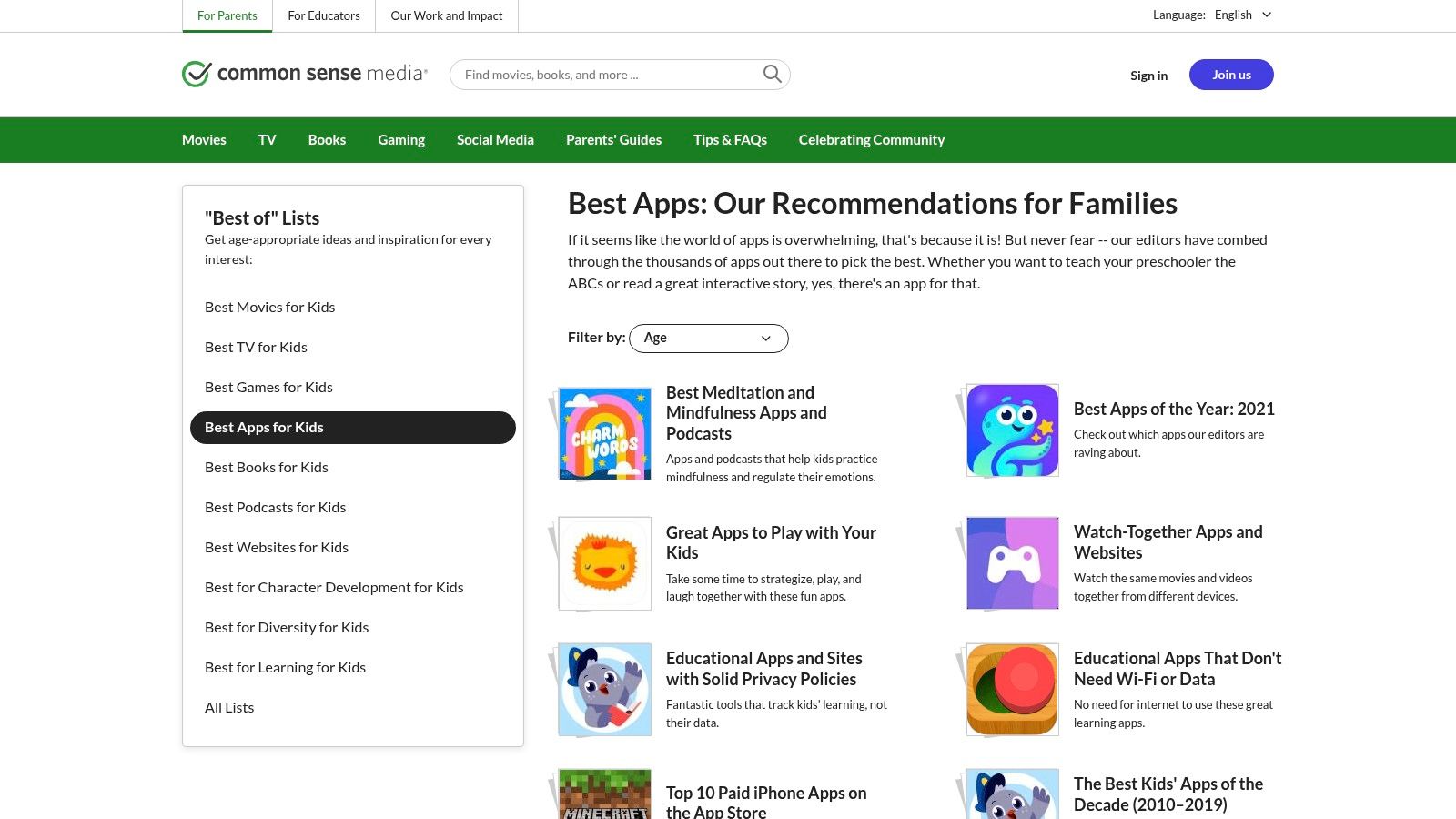
Navigating the site is straightforward, with dedicated lists like "Best Reading Apps for Kids" that are filterable by age. Each review provides a detailed breakdown of what your child will learn, ease of play, and any potential privacy or consumerism concerns. This research-backed approach empowers you to compare options effectively, understand the true cost behind "free" apps, and select a tool that genuinely aligns with your child’s educational needs and your family’s values.
Key Features and User Experience
- Expert, Unbiased Reviews: Access detailed evaluations from educators and child development experts that score apps on their educational value and quality.
- Curated "Best Of" Lists: Quickly find top-rated apps for specific skills, including phonics, sight words, and storytelling, curated for kindergarten and pre-K learners.
- Clear Cost and Privacy Information: Each review clearly outlines pricing, in-app purchases, and advertising, helping you avoid hidden costs and unwanted content.
- Direct Store Links: While research is done on their site, "Get it now" buttons conveniently link you directly to the Apple App Store or Google Play to download the app.
| Feature | Details |
|---|---|
| Platform | Web-based (for research and reviews) |
| Pricing | Free to access all reviews and lists. |
| Pros | Neutral and trustworthy guidance, helps compare apps before buying, free resource. |
| Cons | Not an app itself, requires an extra step to download apps from external stores. |
Top 12 Kindergarten Reading Apps Comparison
| Platform | Core Features/Highlights | User Experience / Quality ★★★★☆ | Value & Price 💰 | Target Audience 👥 | Unique Selling Points ✨ |
|---|---|---|---|---|---|
| Apple App Store (iOS/iPadOS) | Huge kids catalog, parental controls, family sharing | High trust & safety ★★★★☆ | Varies by app, regional pricing 💰 | iOS users, parents, teachers | COPPA-aware, seamless Apple integration 🏆 |
| Google Play Store – Family Approved | Curated Teacher Approved section, Family Link controls | Broad device compatibility ★★★☆☆ | Varies, watch in-app purchases 💰 | Android/Chromebook users, teachers | Teacher badges, curated kids collections ✨ |
| Amazon Kids+ & Appstore | Curated library, parent dashboard, multi-device access | Robust parental controls ★★★★☆ | Subscription-based Kids+ 💰 | Amazon device users, families | One-sub subscription for varied content 🏆 |
| ABCmouse | Guided, gamified path, multi-subject library | Comprehensive, sometimes busy ★★★☆☆ | Subscription, free trials 💰 | Ages 2-8, families seeking all-in-one | Multi-profile, evidence-backed learning ✨ |
| Reading Eggs | Phonics to fluency, placement tests, leveled lessons | Strong reading focus ★★★★☆ | Subscription with trial 💰 | Pre-readers, kindergarteners | Diagnostic tests customize learning 🏆 |
| Khan Academy Kids | Free, no ads, offline downloads, expert-developed | Outstanding value & safety ★★★★★ | Completely free 💰 | Ages 2-8, educators, parents | 100% free, no ads, strong reputation 🏆 |
| Epic – Kids’ Books & Reading | 40,000+ books & audiobooks, badges, offline access | Huge variety, motivational ★★★★☆ | Recurring subscription 💰 | Reluctant readers, schools | Massive library, multi-platform support ✨ |
| HOMER Learn & Grow | Personalized reading pathway, offline, ad-free | Clear, structured ★★★☆☆ | Subscription with trial 💰 | Families, siblings | Research-based, social-emotional focus ✨ |
| Starfall | Phonics games, decodable books, simple design | Low price, classroom favorite ★★★☆☆ | Low annual fee 💰 | Pre-readers, early grades | Nonprofit, simple & effective design 🏆 |
| Teach Your Monster to Read | Game-based phonics, monster customization | Highly engaging ★★★★☆ | Free web, paid apps 💰 | Early phonics learners | Free web version, nonprofit reinvestment ✨ |
| Vooks – Read-Aloud Streaming | Animated storybooks, offline, audio-only mode | High production value ★★★☆☆ | Subscription-based 💰 | Ages 2-8, bedtime reading | Storyteller recording, multi-device ✨ |
| Common Sense Media | Editorial reviews, app comparisons | Trusted, research-informed ★★★★★ | Free guidance 💰 | Parents, teachers | Neutral app reviews & cost breakdowns 🏆 |
Beyond the Apps: Fostering a True Passion for Stories
Navigating the world of early literacy tools can feel overwhelming, but as we've explored, the best reading apps for kindergarten offer a powerful and engaging way to build foundational skills. From the game-based phonics lessons in Teach Your Monster to Read to the vast digital library of Epic, each application provides a unique pathway to support your young learner. The key is to match the tool to the child, creating a digital learning environment that is as effective as it is enjoyable.
The most successful approach combines structured learning with joyful reading experiences. A structured app like ABCmouse or Reading Eggs can provide the systematic instruction necessary for decoding, while a story-centric platform like Vooks can model fluency and instill a love for narrative. Remember that your child's engagement is the ultimate measure of success; what works for one five-year-old might not capture the attention of another.
Choosing the Right Path for Your Reader
To make the best choice, consider these final points:
- Identify Specific Needs: Is your child struggling with letter sounds? An app like Starfall or HOMER might be the perfect starting point. Do they need more exposure to vocabulary and comprehension? A library app like Epic would be more suitable.
- Balance Instruction and Exploration: Don't rely solely on one type of app. Pair a phonics-focused program with a digital library or a creative storytelling tool. This variety prevents burnout and caters to different aspects of literacy development.
- Integrate Off-Screen Activities: Use the apps as a launchpad for real-world conversations and activities. If a story in Vooks is about farm animals, plan a trip to a local farm or read physical picture books on the same topic. Digital tools should complement, not replace, tangible reading experiences.
Making Reading Personal and Unforgettable
Ultimately, the goal extends beyond mastering phonics; it's about nurturing a lifelong passion for stories. This is where personalization becomes a game-changer. While the apps on our list provide excellent pre-made content, nothing connects a child to a narrative more than seeing themselves as the hero. This deep, personal connection is the magic ingredient that transforms reading from a required skill into a cherished activity.
By creating stories that star your child, their friends, and even their favorite pet, you make reading a reflection of their own world. This strategy builds confidence and demonstrates that their life is worthy of a story. When you pair the structured skill-building from the best reading apps for kindergarten with the unique, personal magic of custom-made tales, you create a comprehensive and powerful ecosystem for raising a happy, confident, and passionate reader.
And when those apps start to feel too easy, the next step is more books rather than more screens. Our guide to free books for first graders picks up right where kindergarten leaves off.
Ready to turn your child into the star of their very own storybook? With LoveToRead.AI, you can create personalized stories in seconds. Convert your real-life photos into characters and build a library of your family and friends to reuse across countless adventures. With the absolute best art styles, character persistence, and the ability to easily order a hardback copy, you can bridge the gap between skill-building and a true love for reading by creating a keepsake book they'll treasure forever. Visit LoveToRead.AI to start your first story today!